-
Navegue até sua empresa. Por exemplo, na página Enterprises em GitHub.com.
-
Na parte superior da página, clique em Billing and licensing.
-
Na barra lateral "Cobrança e licenciamento", clique em Licenciamento.
-
Na seção "Copilot", clique em Gerenciar.
-
Clique na guia Organizações.
-
Localize a organização para a qual você deseja fazer downgrade do Copilot.
-
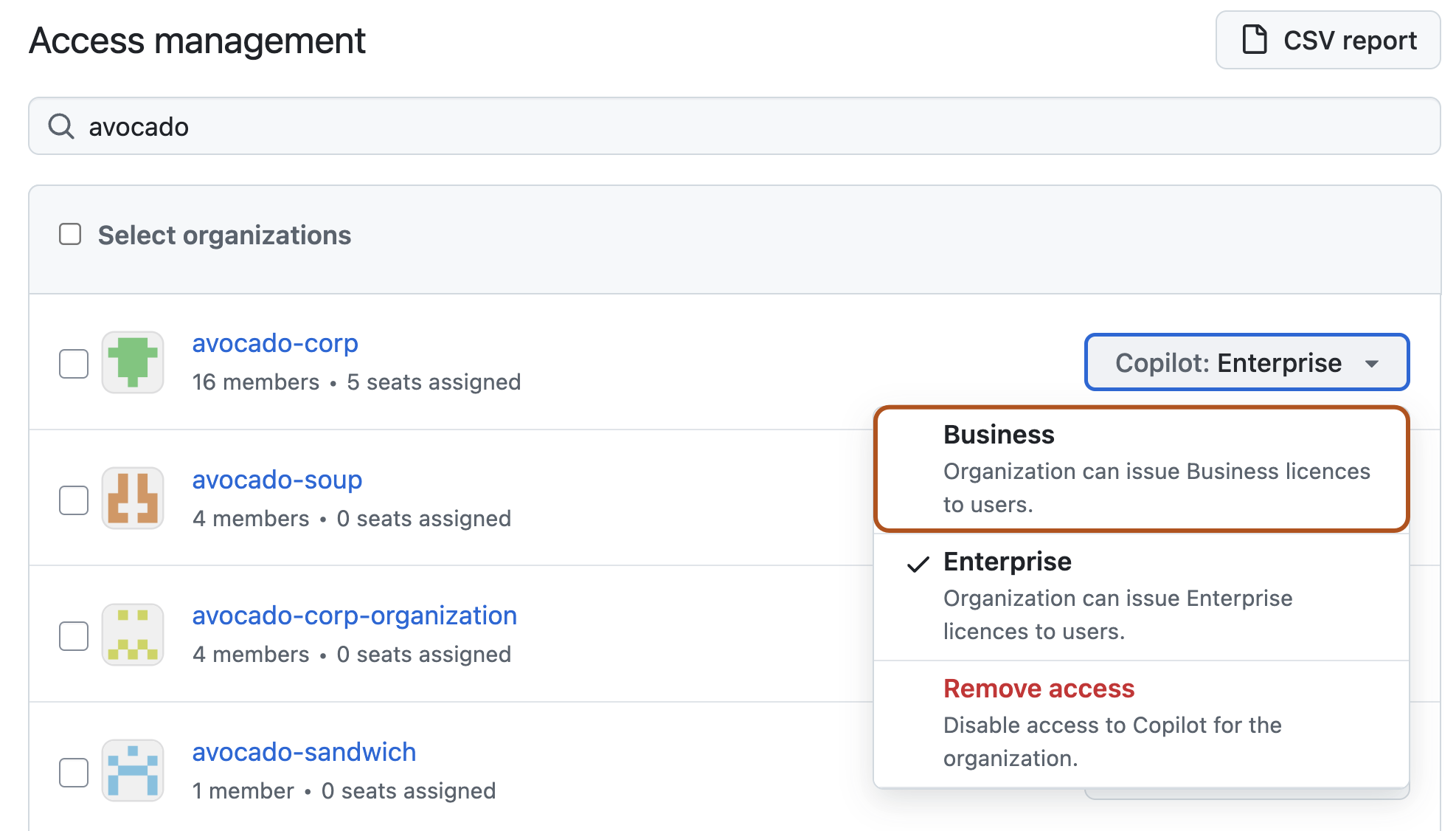
À direita do nome da organização, selecione o menu suspenso Copilot } e clique em Negócios.
-
Na janela que aparece, examine os efeitos da redução de nível da organização e clique em Confirmar e fazer downgrade.
Rebaixando o GitHub Copilot para sua empresa
Você pode fazer downgrade de organizações em sua empresa do Copilot Enterprise para o Copilot Business.
