Viewing dependencies monitored by Dependabot
After you've enabled version updates, you can confirm that your configuration is correct using the Dependabot tab in the dependency graph for the repository. For more information, see Configuring Dependabot version updates.
-
在 GitHub 上,导航到存储库的主页面。
-
在存储库名称下,单击“ Insights”选项卡****。

-
在左侧边栏中,单击“依赖项关系图”。
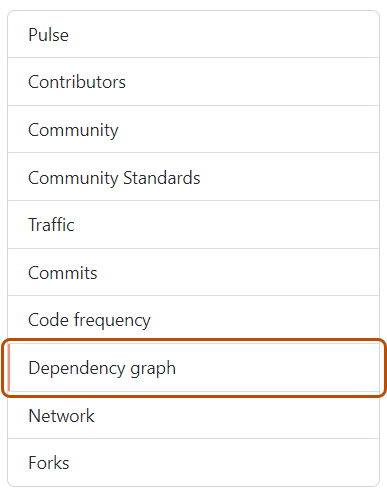
-
在“依赖项关系图”下,单击“Dependabot”。
-
Optionally, to view the files monitored for a package manager, to the right of the package manager, click .

If any dependencies are missing, check the log files for errors. If any package managers are missing, review the configuration file.
For information about Dependabot job logs, see 查看 Dependabot 作业日志.
