-
在 GitHub 任意页面的右上角,单击你的个人资料照片,然后单击“ Settings”****。
-
在边栏的“Security”部分中,单击 “Code security”****。
-
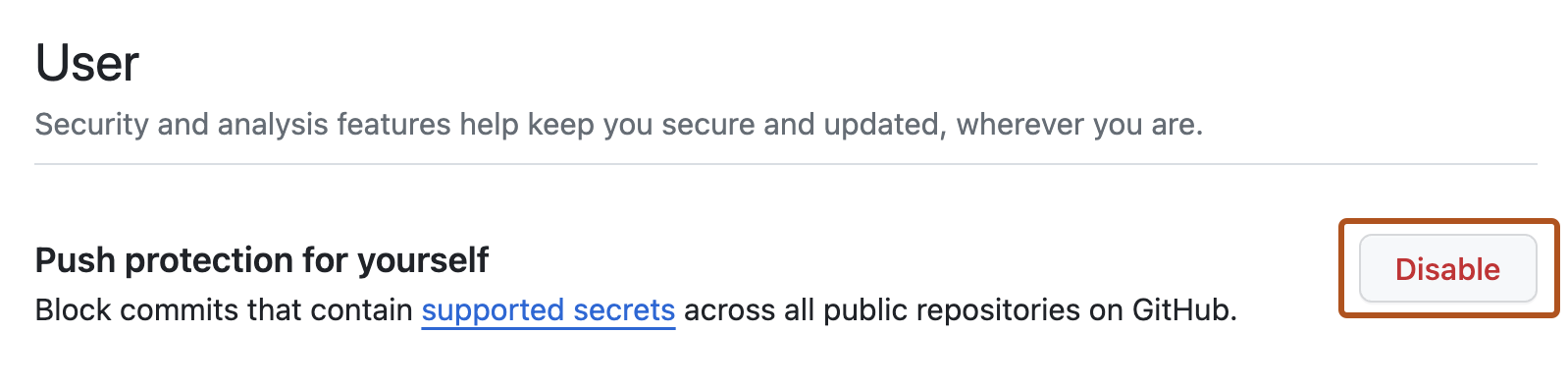
在“用户”下,在“为自己启用推送保护”的右侧,更新你的设置
管理用户的推送通知保护
您可以控制 GitHub 阻止可能包含机密信息的推送的能力。
您可以控制 GitHub 阻止可能包含机密信息的推送的能力。
在 GitHub 任意页面的右上角,单击你的个人资料照片,然后单击“ Settings”****。
在边栏的“Security”部分中,单击 “Code security”****。
在“用户”下,在“为自己启用推送保护”的右侧,更新你的设置
