重新运行 Dependabot version updates 作业
-
在 GitHub 上,导航到存储库的主页面。
-
在存储库名称下,单击“ Insights”选项卡****。

-
在左侧边栏中,单击“依赖项关系图”。
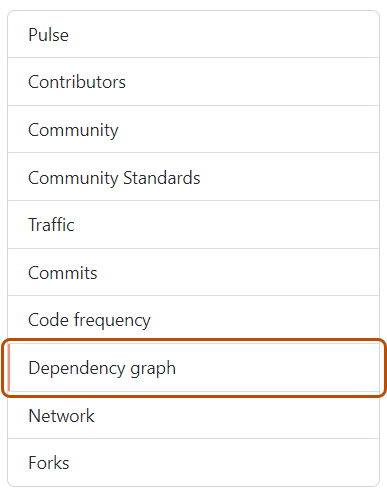
-
在“依赖项关系图”下,单击“Dependabot”。
-
在你感兴趣的清单文件名称的右侧,单击“最近更新作业****”。
-
在受影响的清单文件的右侧,单击“ 检查更新 ”以重新运行 Dependabot version updates 作业,并检查该生态系统对依赖项的新更新。


重新运行 Dependabot security updates 作业
- 在 GitHub 上,导航到存储库的主页面。
- 在存储库名称下,单击 Security and quality。
- 在左侧边栏中的“漏洞警报”下,单击 Dependabot。
- 在“”Dependabot下,单击要查看的警报。
- 在显示警报的错误详细信息的部分中,单击“ 重试 ”重新运行 Dependabot security updates 作业。