Gestion de la visibilité de la vue d’ensemble de l’activité sur votre profil
-
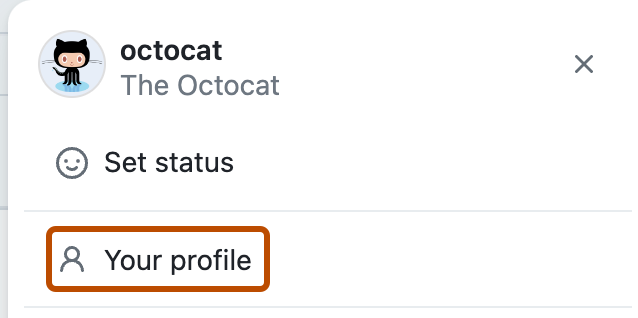
Dans le coin supérieur droit de GitHub, cliquez sur votre photo de profil, puis sur Votre profil.
-
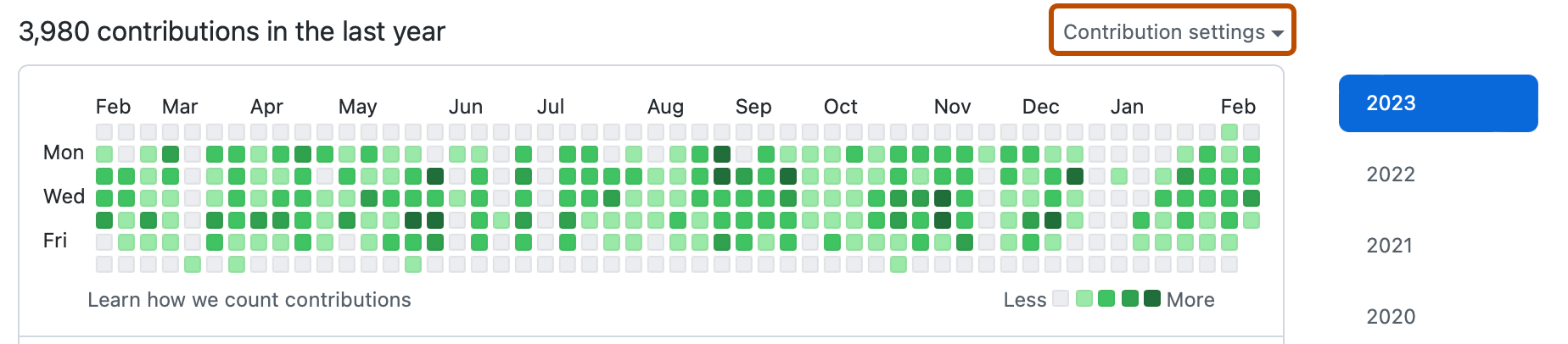
Au-dessus de votre graphique des contributions, sélectionnez le menu déroulant Paramètres de contribution, puis cliquez sur Vue d’ensemble de l’activité.


Étapes suivantes
Pour plus d’informations sur ce qui est visible sur votre profil, consultez Référence des contributions au profil.