Alterar a URL remota de um repositório no GitHub Desktop

É possível alterar a URL remota do repositório com o qual você estiver trabalhando via GitHub Desktop. Você pode fazer isso em caso de alteração do nome do repositório, do nome do usuário ou do nome da organização proprietária do repositório.

Platform navigation

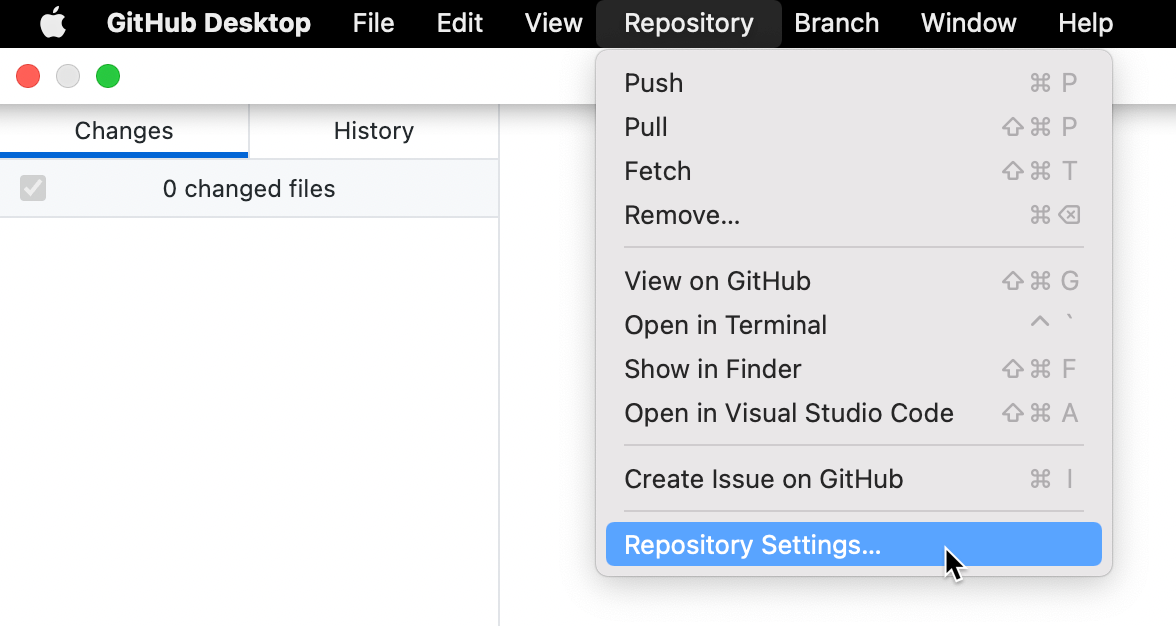
  1. In the "GitHub Desktop" menu bar, select Repository and click Repository Settings....

    Screenshot of the menu bar on a Mac. In the open "Repository" dropdown menu, a cursor hovers over "Repository Settings", highlighted in blue.

  2. On the Remote pane, under "Primary remote repository", type the desired URL.

  3. Click Save.

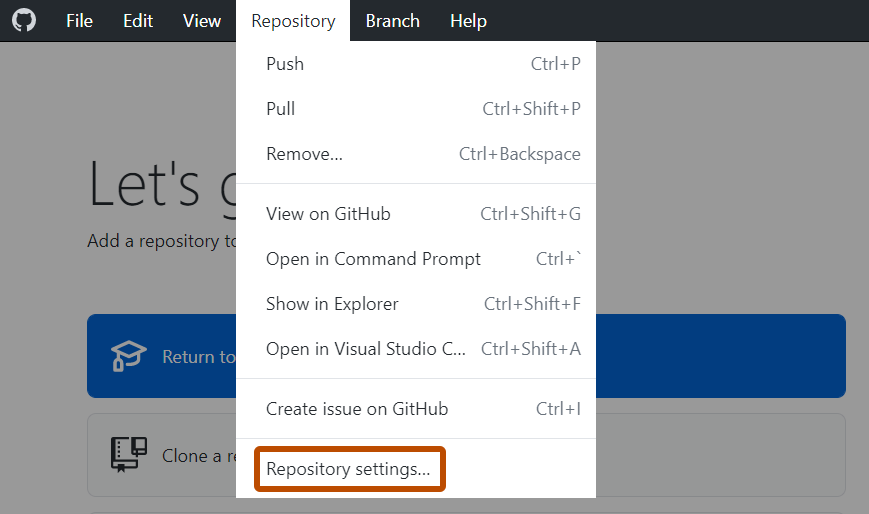
  1. In the Repository menu, click Repository settings....

    Screenshot of the "GitHub Desktop" menu bar on Windows. In the open "Repository" dropdown menu, "Repository Settings" is outlined in orange.

  2. On the Remote pane, under "Primary remote repository", type the desired URL.

  3. Click Save.