Executar novamente um Dependabot version updates trabalho
-
Em GitHub, acesse a página principal do repositório.
-
No nome do repositório, clique em Insights.

-
Na barra lateral esquerda, clique em Grafo de dependência.
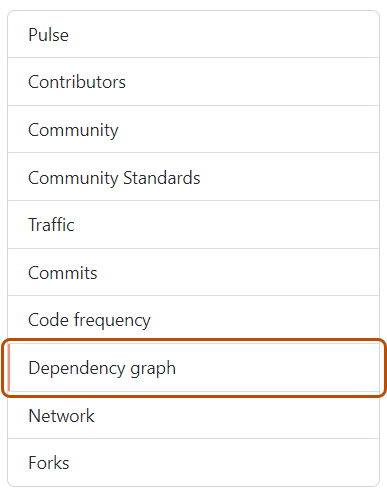
-
Em "Grafo de dependência", clique em Dependabot .
-
À direita do nome do arquivo de manifesto no qual você está interessado, clique em Trabalhos de atualização recentes.
-
À direita do arquivo de manifesto afetado, clique em Verificar se há atualizações para executar novamente um Dependabot version updates trabalho e verificar se há novas atualizações nas dependências desse ecossistema.


Executar novamente um Dependabot security updates trabalho
- Em GitHub, acesse a página principal do repositório.
- No seu nome de repositório, clique em Security and quality.
- Na barra lateral esquerda, em "Alertas de vulnerabilidade", clique em Dependabot.
- Em "Dependabot", clique no alerta que você deseja exibir.
- Na seção que exibe os detalhes do erro do alerta, clique em Tentar novamente para executar novamente o Dependabot security updates trabalho.