You can enforce the use of the dependency review action in your organization by setting up a repository ruleset that will require a workflow that runs dependency review to pass before pull requests can be merged. For more information about the action, see About dependency review.
Prerequisites
You need to add the dependency review action to one of the repositories in your organization, and configure the action. For more information, see Configuring the dependency review action.
Enforcing dependency review for your organization
-
In the upper-right corner of GitHub, click your profile picture, then click Organizations.
-
Select an organization by clicking on it.
-
Under your organization name, click Settings. If you cannot see the "Settings" tab, select the dropdown menu, then click Settings.

-
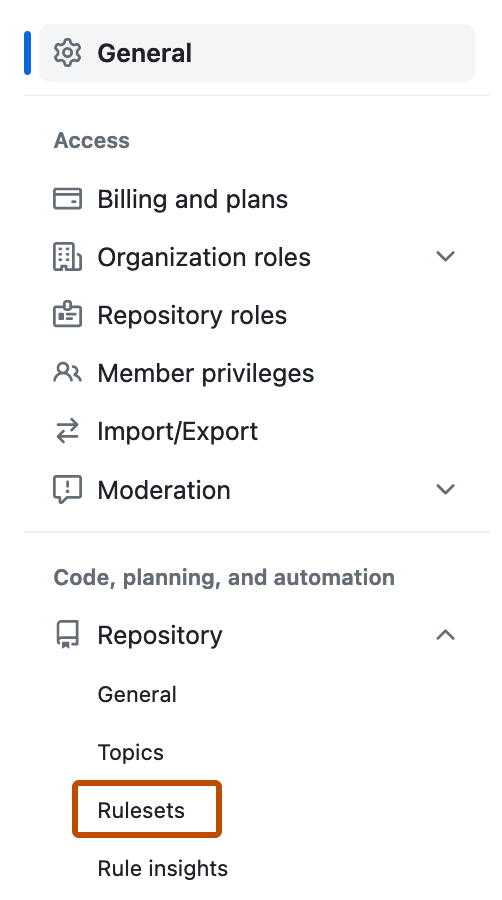
In the left sidebar, in the "Code, planning, and automation" section, click Repository, then click Rulesets.
-
Click the New ruleset dropdown menu, and select New branch ruleset.
-
To help identify your ruleset and clarify its purpose, give the ruleset a name in Ruleset Name.
-
Set Enforcement status to Active.
-
Optionally, you can target specific repositories in your organization. For more information, see Choosing which repositories to target in your organization.
-
In the "Rules" section, select the "Require workflows to pass before merging" option.
-
In "Workflow configurations", click Add workflow.
-
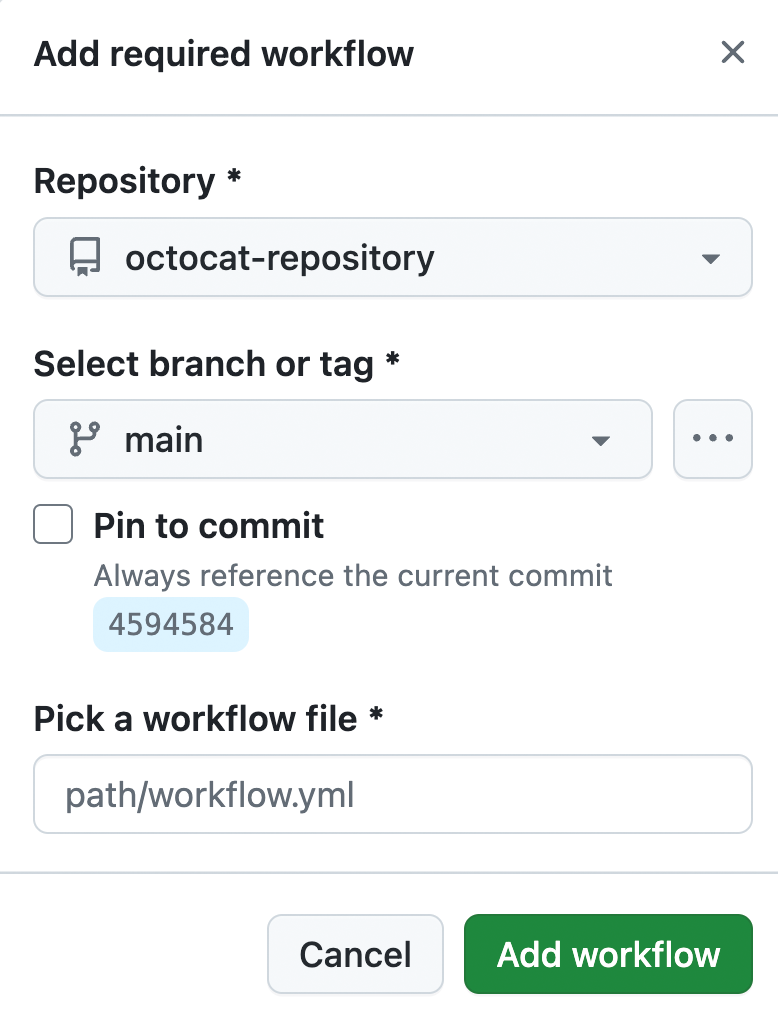
In the dialog, select the repository that you added the dependency review action to. For more information, see Prerequisites.
-
Select a branch and the workflow file for dependency review in the enhanced dialog.
-
Click Create.


