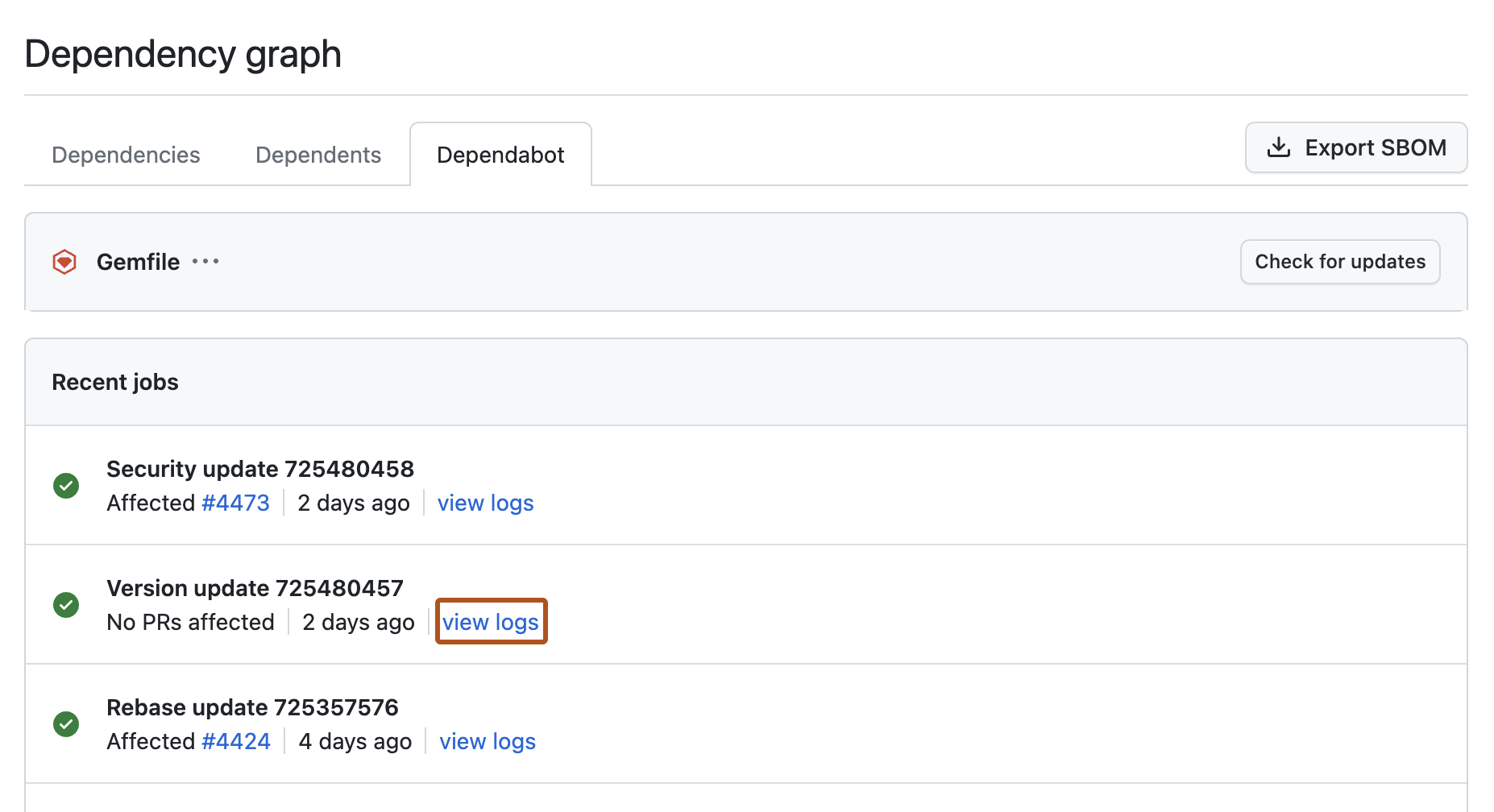
When Dependabot updates fail or behave unexpectedly, job logs show you exactly what happened. Access job logs from the dependency graph to debug issues quickly. For background on what job logs contain and the types of jobs GitHub records, see Dependabot job logs.
Viewing Dependabot job logs
The Dependabot job logs list is accessible from the dependency graph tab in your repository.
-
On GitHub, navigate to the main page of the repository.
-
Under your repository name, click Insights.

-
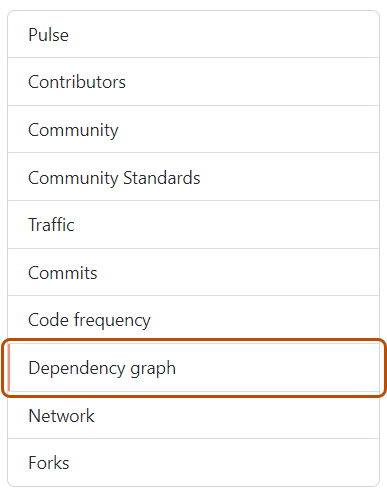
In the left sidebar, click Dependency graph.
-
Under "Dependency graph", click Dependabot.
-
To the right of the name of manifest file that you're interested in, click Recent update jobs.
-
Optionally, to see the full logs files for a particular job, click view logs.