Checking your current plan
You must use a GitHub Team or GitHub Enterprise plan before you can enable GitHub Secret Protection or GitHub Code Security on private repositories.
- Navigate to your organization or enterprise. For example, from the Organizations or Enterprises pages on GitHub.com.
- From the list of "Billing & licensing" pages, click Licensing.
Your current plan is shown with any options to upgrade to a different plan.
Metered billing users
If your organization or enterprise uses metered billing, then you are ready to start enabling GitHub Secret Protection and GitHub Code Security. Whenever you enable a feature or apply a configuration, a modal dialog shows detailed information with estimated billing changes. You can confirm your change or return to the page without making changes.
The most effective way to control and enable these features is using security configurations, see Enabling security features at scale.
Volume/subscription users
If you use volume/subscription billing, then you will need to purchase licenses before you can start using GitHub Secret Protection or GitHub Code Security on private or internal repositories.
-
Navigate to your organization or enterprise. For example, from the Organizations or Enterprises pages on GitHub.com.
-
From the list of "Billing & licensing" pages, click Licensing.
-
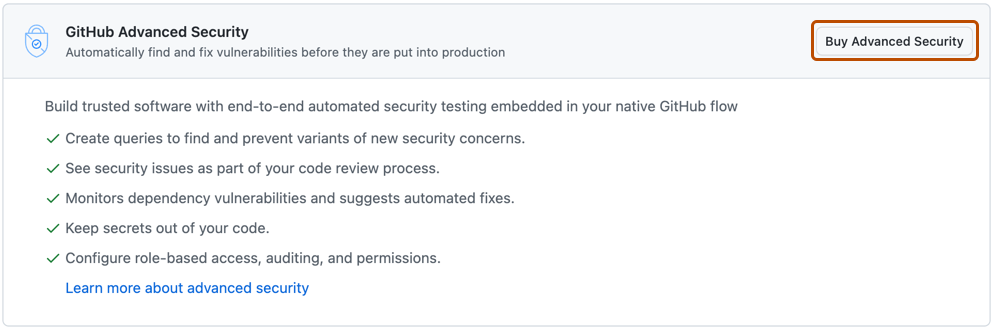
To the right of "GitHub Advanced Security", click Buy Advanced Security.
-
Confirm your billing information and payment method.
-
Under "How many committers do you want to include?", enter the number of committers you want to purchase licenses for.
-
Click Purchase Advanced Security.

Tip
To see how license use by committers is measured, see GitHub Advanced Security license billing.