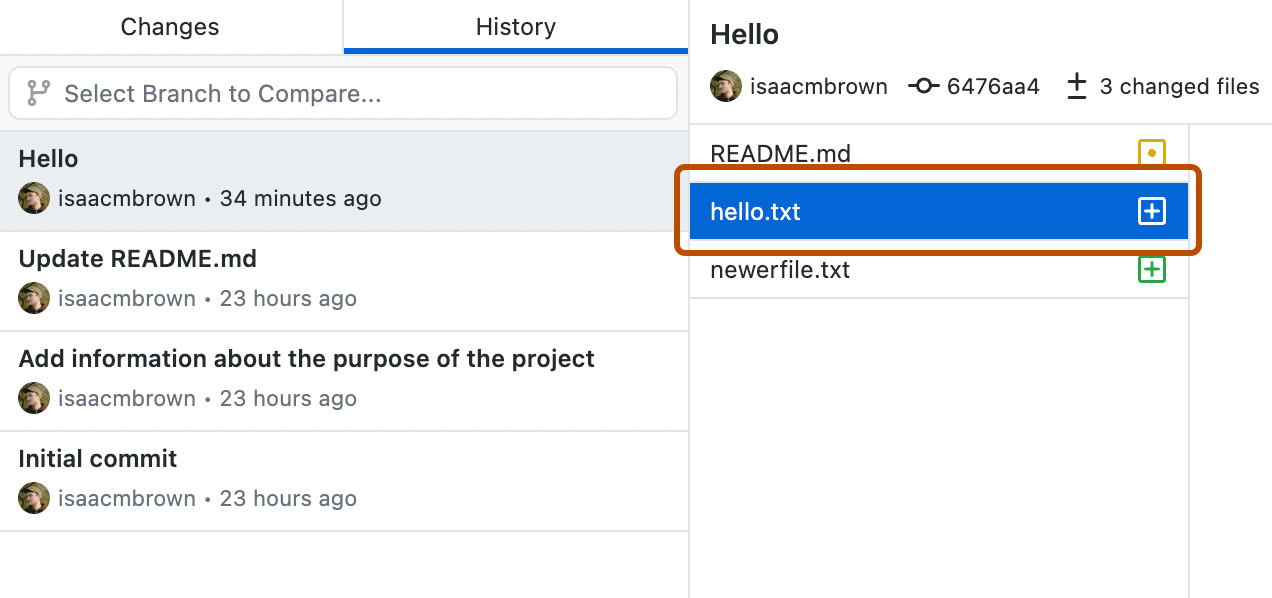
Jeder Commit zeigt Folgendes:
- Die Commit-Nachricht
- Den Zeitpunkt, zu dem der Commit erstellt wurde
- Den Benutzernamen und das Profilbild (sofern vorhanden) des Beitragenden
- Der SHA-1-Hash (die eindeutige ID) des Commits
-
Klicke auf der linken Randleiste auf Verlauf.
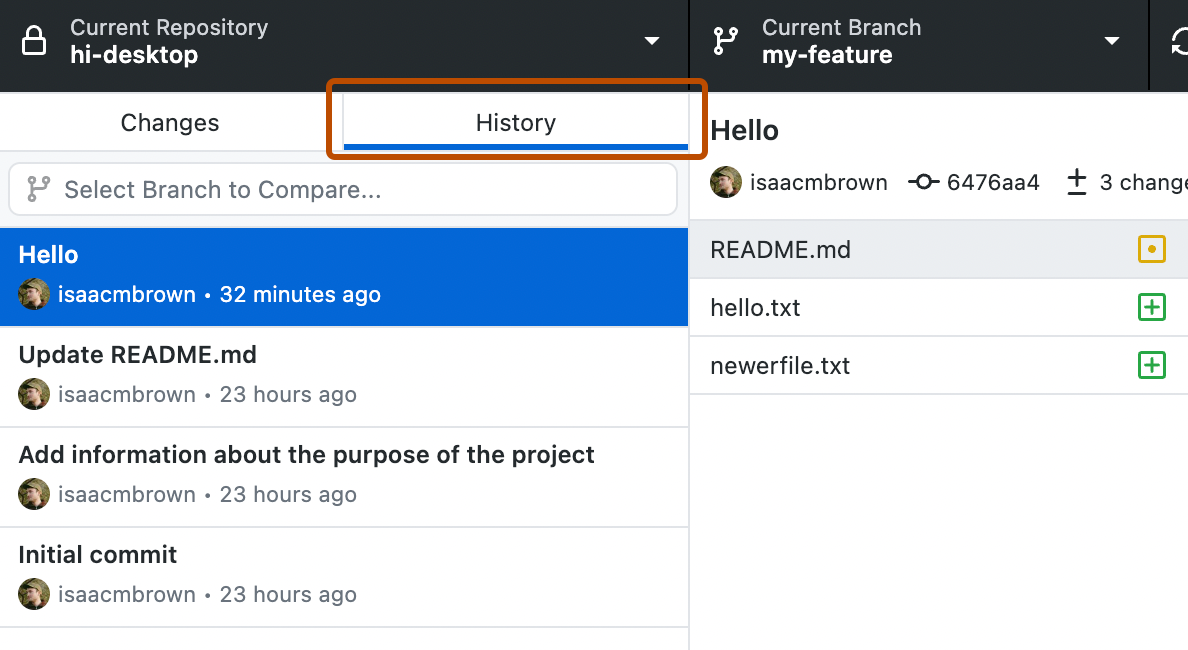
-
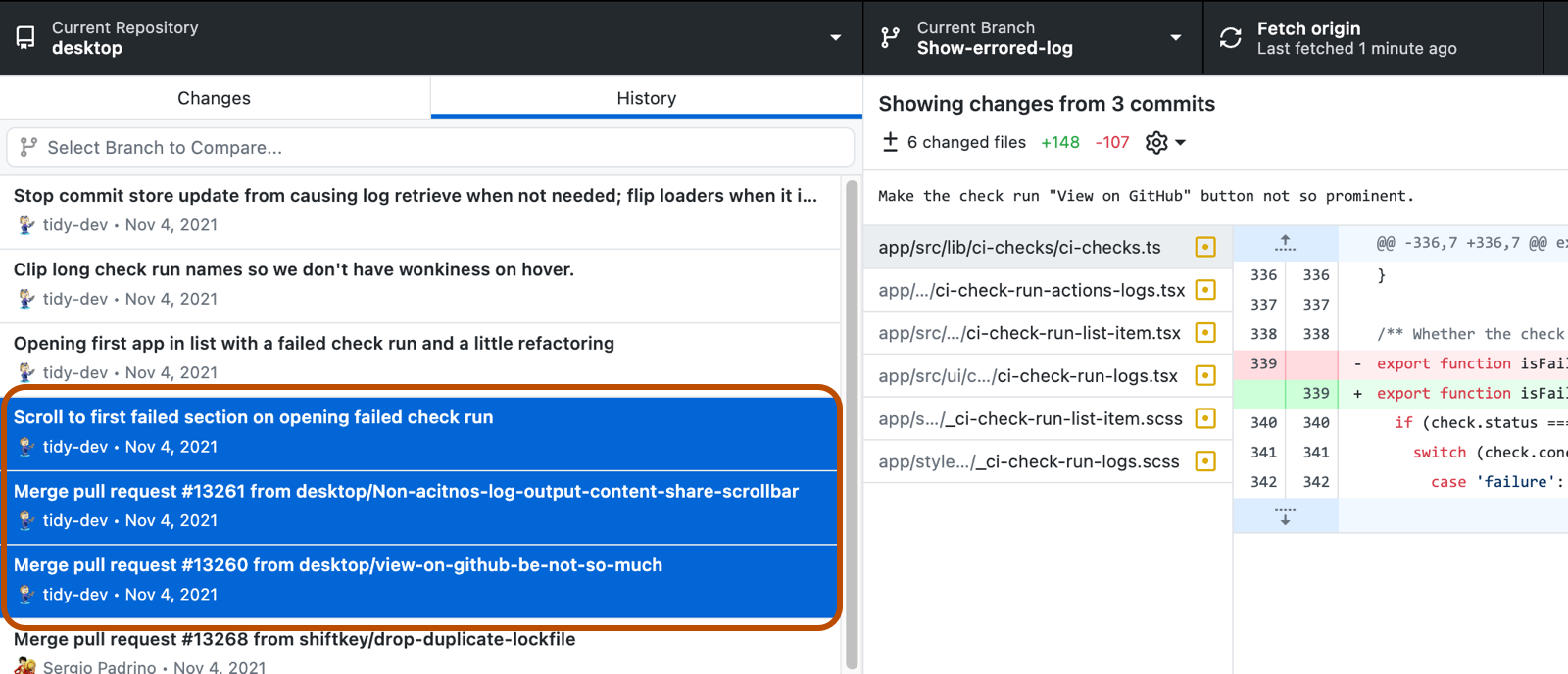
Klicke auf der Registerkarte Verlauf auf den Commit, den du überprüfen möchtest.
Du kannst auch einen Bereich mit mehreren aufeinanderfolgenden Commits mithilfe der Tasten Cmd oder Umschalt auswählen.
Du kannst auch mithilfe von Strg oder Umschalt einen Bereich von mehreren aufeinanderfolgenden Commits auswählen.
-
Wenn im Commit oder im Bereich von Commits mehrere Dateien vorhanden sind, klicke auf eine einzelne Datei, um die Änderungen anzuzeigen, die an dieser Datei vorgenommen wurden.