在 GitHub Desktop 中更改存储库的远程 URL

可在 GitHub Desktop 中更改您操作的仓库的远程 URL。 如果仓库已经更名,或者拥有仓库的用户或组织已经改变,您便可执行此操作。

Platform navigation

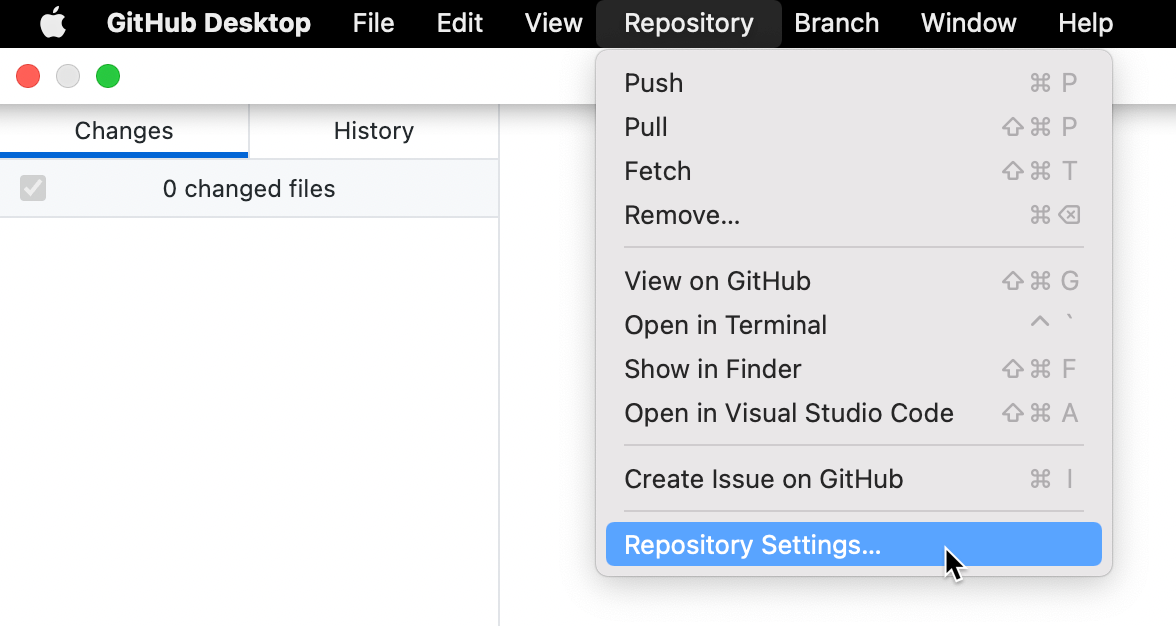
  1. In the "GitHub Desktop" menu bar, select Repository and click Repository Settings....

    Screenshot of the menu bar on a Mac. In the open "Repository" dropdown menu, a cursor hovers over "Repository Settings", highlighted in blue.

  2. On the Remote pane, under "Primary remote repository", type the desired URL.

  3. Click Save.

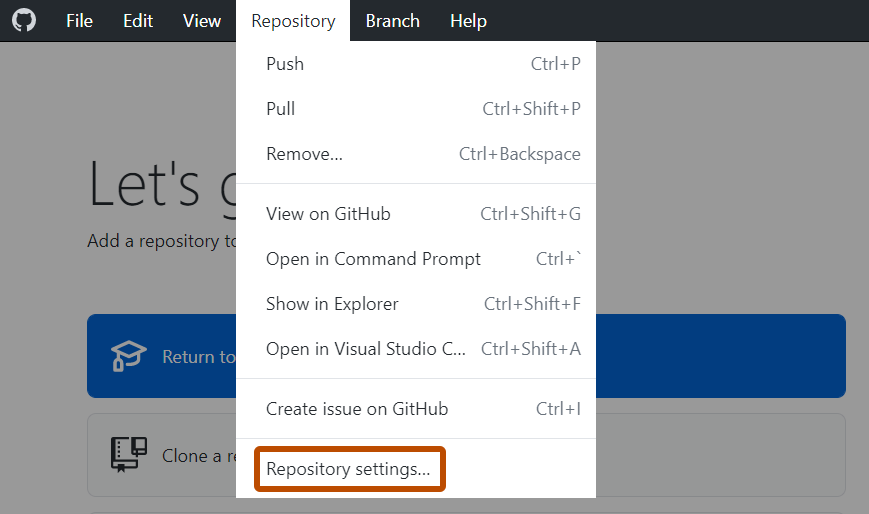
  1. In the Repository menu, click Repository settings....

    Screenshot of the "GitHub Desktop" menu bar on Windows. In the open "Repository" dropdown menu, "Repository Settings" is outlined in orange.

  2. On the Remote pane, under "Primary remote repository", type the desired URL.

  3. Click Save.