-
В правом верхнем углу любой страницы на GitHubщелкните рисунок профиля, а затем выберите октикона "шестеренка" aria-hidden="true" aria-label="gear" %} Settings.
-
В разделе "Безопасность" боковой панели щелкните Code security.
-
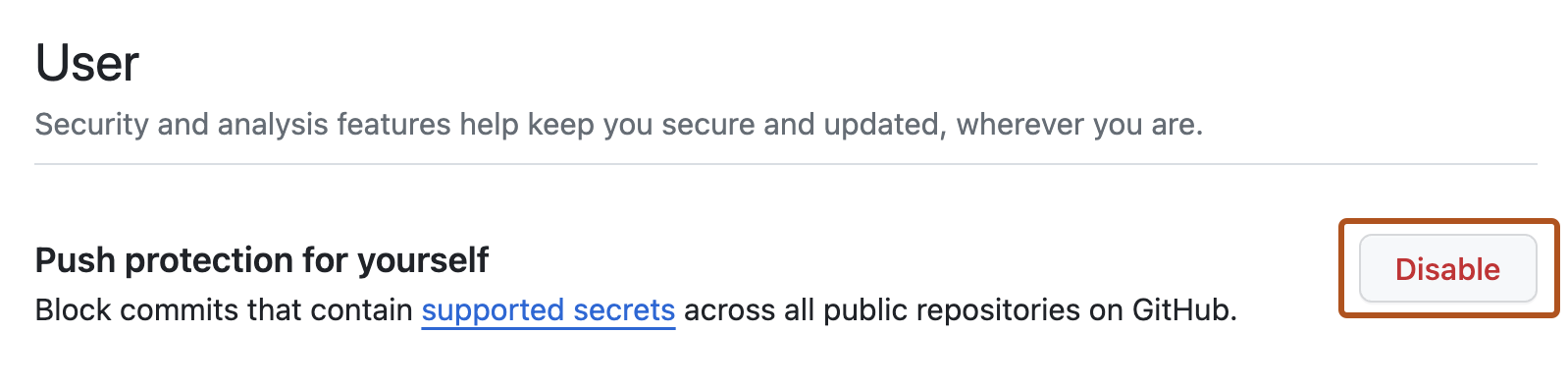
В разделе «Пользователь», справа от «Push protection for yourself», обновите настройки.
Управление защитой от push для пользователей
Вы можете контролировать способность GitHub блокировать ваши push-запросы, которые могут содержать секреты.
