Pré-requisitos
Antes de habilitar Predefinições do GitHub para seu repositório, é importante que você conheça bem sua funcionalidade e propósito. Consulte Sobre as regras de triagem automática do Dependabot.
Habilitando as regras predefinidas GitHub
-
Em GitHub, acesse a página principal do repositório.
-
No nome do repositório, clique em Settings. Caso não consiga ver a guia "Configurações", selecione o menu suspenso , clique em Configurações.

-
Na seção "Security" da barra lateral, clique em Advanced Security.
-
Na seção "Dependabot", à direita de "Dependabot regras", clique em .
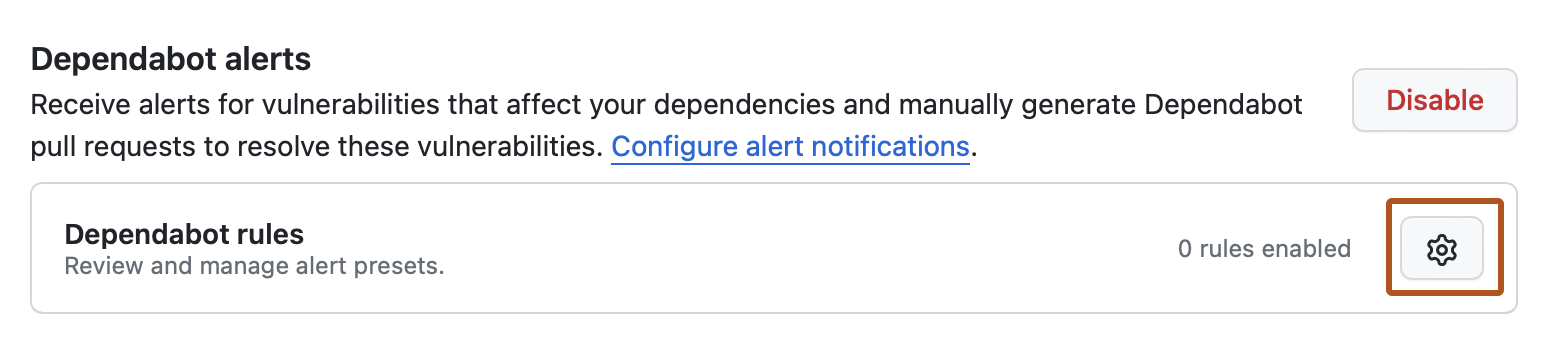
-
Na seção "Predefinições do GitHub", à direita da regra que você deseja ativar, clique em .
-
Na seção "Estado", selecione o menu suspenso e clique em Habilitado.
-
Clique em Salvar regra.

