작업 다시 실행 Dependabot version updates
-
GitHub에서 리포지토리의 기본 페이지로 이동합니다.
-
리포지토리 이름 아래에서 인사이트를 클릭합니다.

-
왼쪽 사이드바에서 종속성 그래프를 클릭합니다.
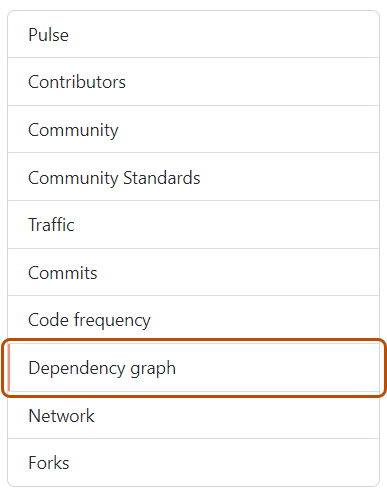
-
“종속성 그래프”에서 Dependabot 을 클릭합니다.
-
관심 있는 매니페스트 파일 이름 오른쪽에서 최근 업데이트 작업을 클릭합니다.
-
영향을 받는 매니페스트 파일의 오른쪽에서 업데이트 확인을 클릭하여 작업을 다시 실행하고 Dependabot version updates 해당 에코시스템에 대한 종속성에 대한 새 업데이트를 확인합니다.


작업 다시 실행 Dependabot security updates
- GitHub에서 리포지토리의 기본 페이지로 이동합니다.
- 리포지토리 이름 아래의 Security and quality 을 클릭합니다.
- 왼쪽 사이드바의 "취약성 경고"에서 을 클릭합니다 Dependabot.
- "Dependabot"에서 보려는 경고를 클릭합니다.
- 경고에 대한 오류 세부 정보를 표시하는 섹션에서 다시 시도를 클릭하여 작업을 다시 실행합니다 Dependabot security updates .