-
Accédez à votre entreprise. Par exemple, depuis la page Entreprises sur GitHub.com.
-
En haut de la page, cliquez sur Facturation et licences.
-
Dans la barre latérale « Facturation et licence », cliquez sur Licence.
-
Dans la section « Copilot », cliquez sur Gérer.
-
Cliquez sur l'onglet Organisations.
-
Recherchez l'organisation pour laquelle vous souhaitez rétrograder Copilot.
-
À droite du nom de l'organisation, sélectionnez le menu déroulant Copilot et cliquez sur Entreprise..
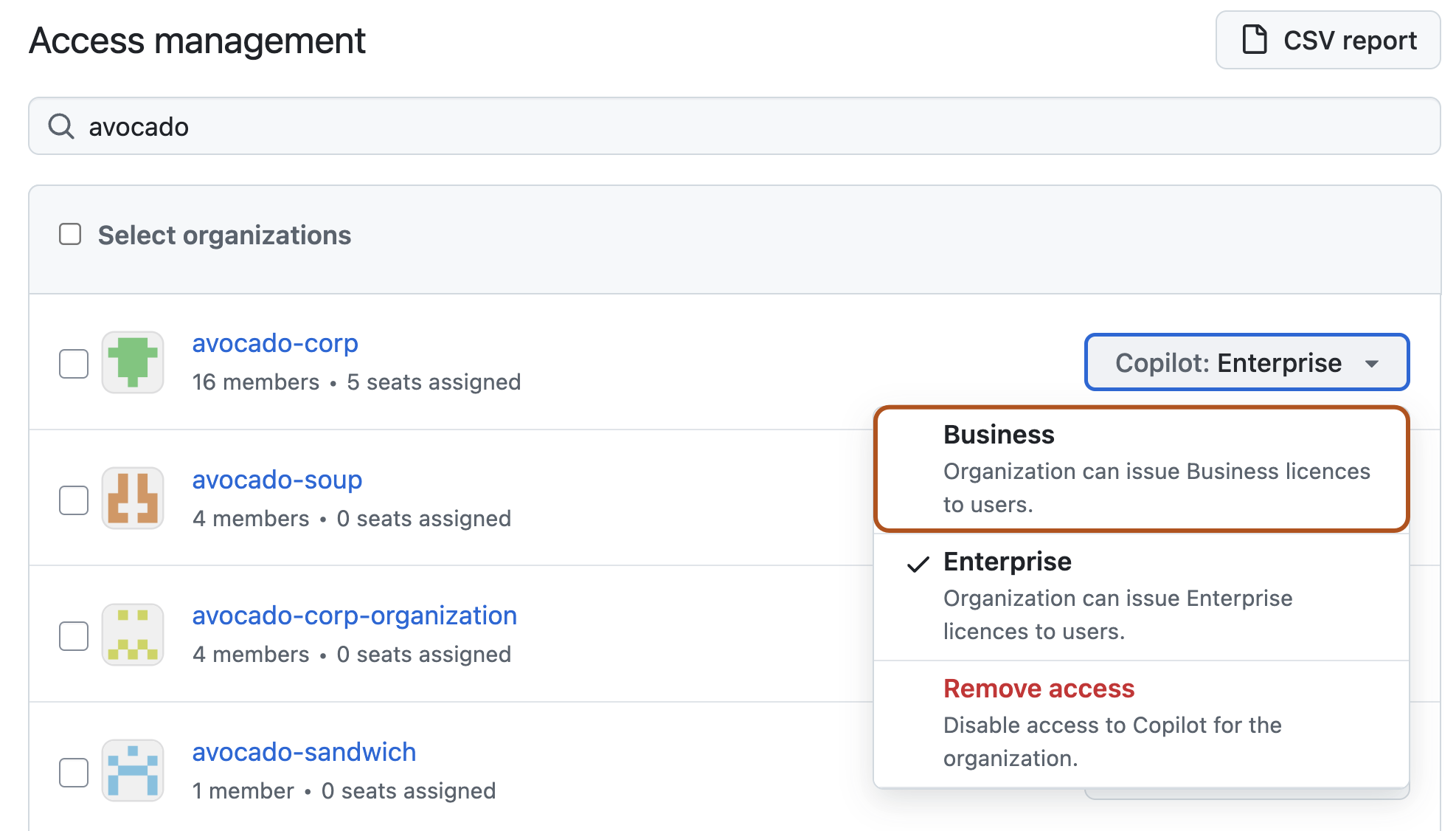
-
Dans la fenêtre contextuelle qui s’affiche, examinez les effets du rétrogradage de l’organisation, puis cliquez sur Confirmer et rétrograder.
La réduction de version de GitHub Copilot pour votre entreprise
Vous pouvez rétrograder les organisations de votre entreprise de Copilot Enterprise à Copilot Business.
