Copilot code review is also available for organization members without a Copilot license, when enabled by an enterprise administrator or organization owner. See Copilot code review for organization members without a Copilot license.
Request a review from Copilot
-
On GitHub.com, create or open a pull request.
-
Under "Reviewers" in the right sidebar, next to Copilot, click Request.

-
Wait for Copilot to finish reviewing. This usually takes less than 30 seconds.
-
Read through Copilot's comments on the pull request.
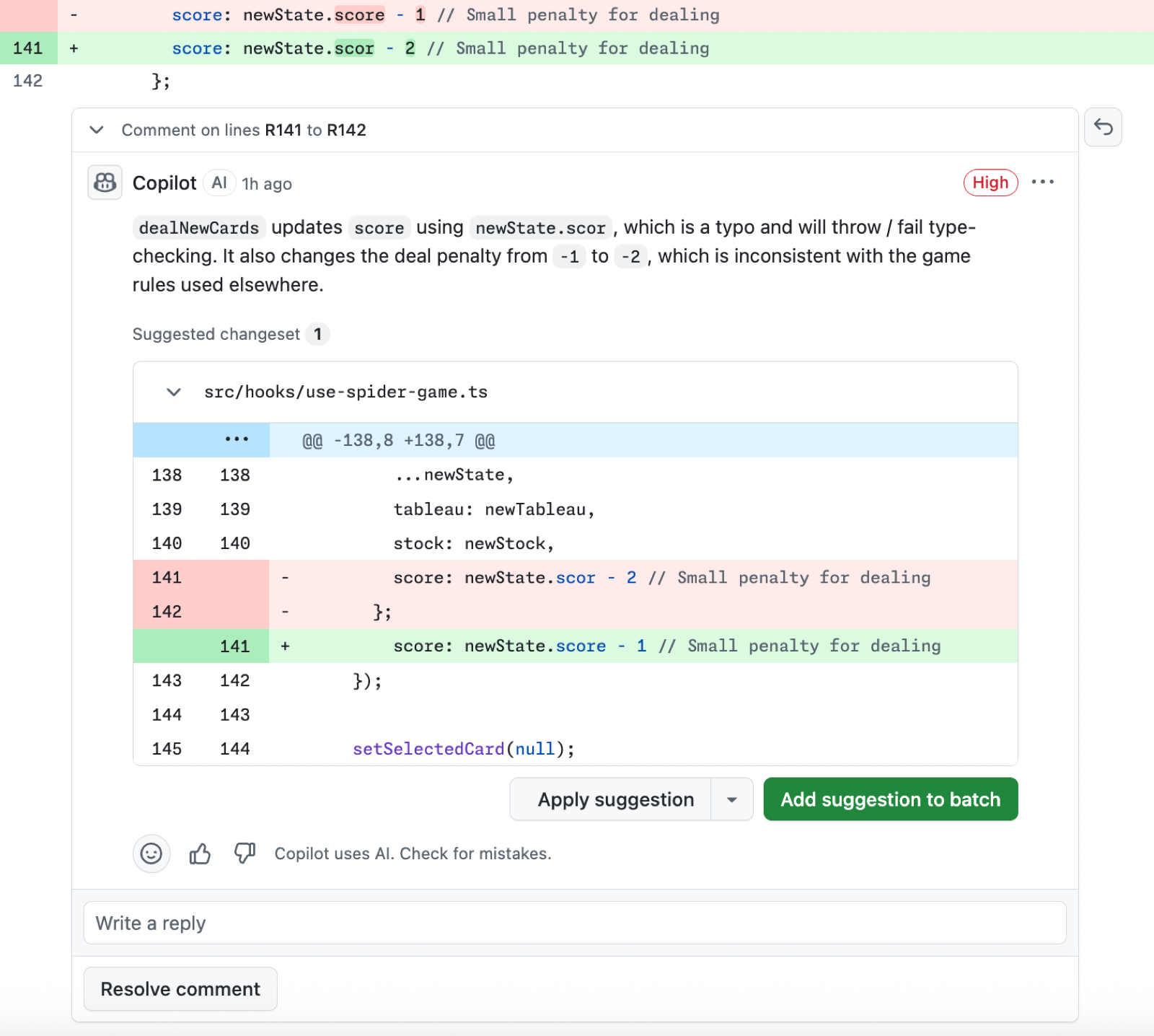


By default, Copilot leaves a "Comment" review, not an "Approve" review or a "Request changes" review. This means that, by default, Copilot's reviews do not count toward required approvals for the pull request. However, if configured to do so, Copilot can leave "Approve" reviews. For more information, see Using GitHub Copilot code review.
Copilot's review comments work like comments from human reviewers. Add reactions, reply, resolve, or hide them. Any replies you add are visible to other people but not to Copilot.
You can also request a review from Copilot through the GitHub REST API by requesting copilot-pull-request-reviewer[bot] as a reviewer. For more information, see REST API endpoints for review requests.
Work with suggested changes
Copilot's feedback often includes suggested changes you can apply in a few clicks. Accept a single suggestion or group multiple suggestions into one commit. For more information, see Incorporating feedback in your pull request.
To have Copilot cloud agent implement suggested changes directly:
- Enable GitHub Copilot code review and Copilot cloud agent.
- On a review comment from GitHub Copilot code review, click Fix with Copilot. This creates a draft comment where you instruct Copilot to address specific feedback. You can choose whether Copilot creates a new pull request against your branch or commits directly to the same pull request.
Provide feedback on reviews
Rate Copilot's comments to help improve future suggestions.
-
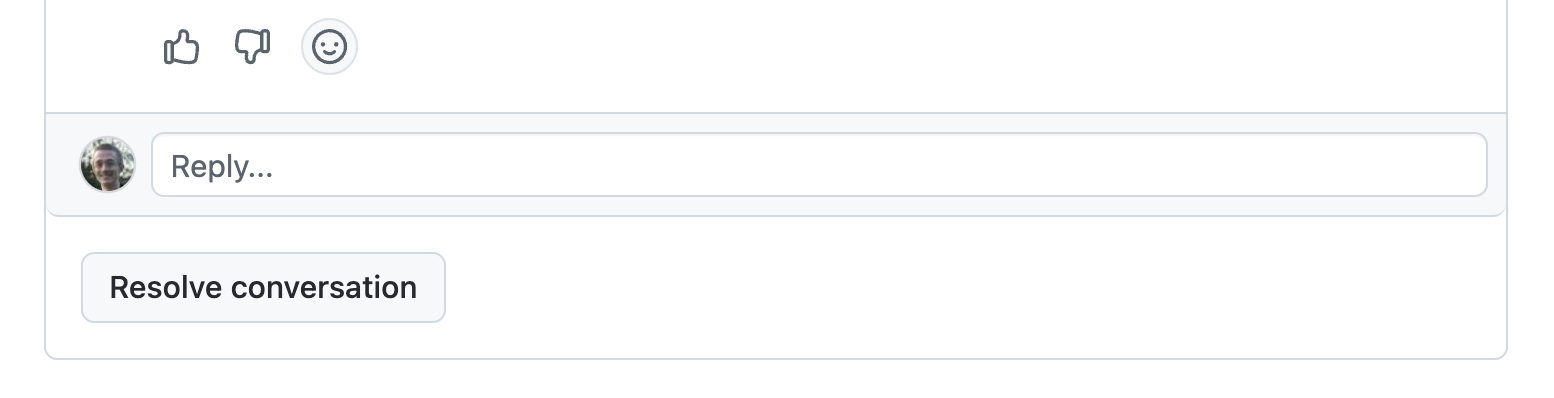
On a review comment from Copilot, click the thumbs up (👍) or thumbs down (👎) button.
-
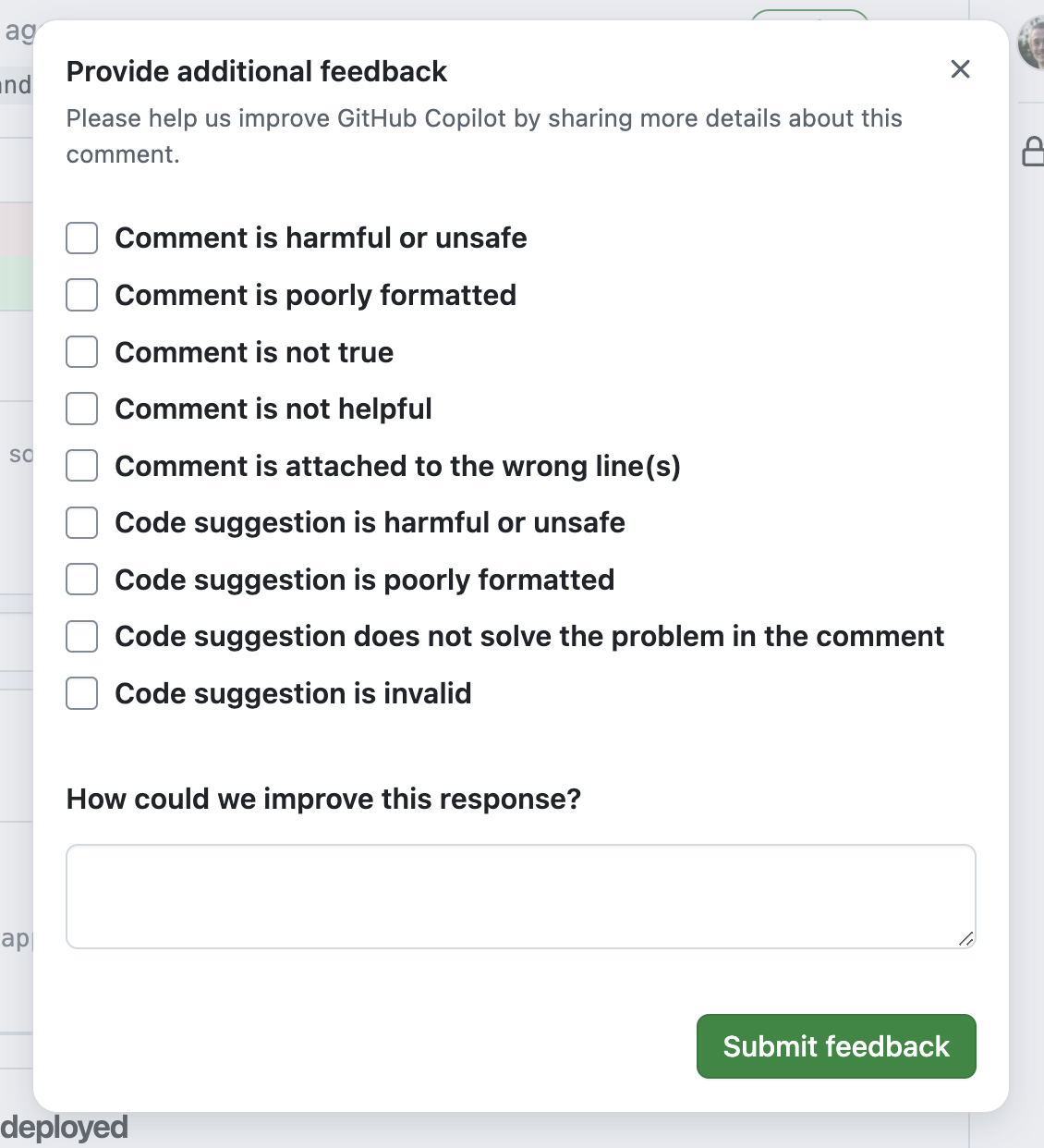
If you click thumbs down, optionally pick a reason and leave a comment, then click Submit feedback.


Request a re-review
When you push new changes to a pull request that Copilot has reviewed, it does not automatically re-review unless you've configured automatic reviews to include new pushes.
To manually request a re-review, click the button next to Copilot's name in the Reviewers menu. For more information, see Requesting a pull request review.
To automatically request re-reviews on every push, enable automatic code review and select Review new pushes in the ruleset settings. For more information, see Configuring code review by GitHub Copilot.
When re-reviewing, Copilot may repeat previous comments, even if you resolved or downvoted them.
Enable automatic reviews
By default, you request reviews from Copilot manually on each pull request. To enable automatic reviews for all pull requests, see Configuring code review by GitHub Copilot.
Customize reviews with custom instructions
You can customize Copilot code review by adding custom instructions to your repository. Repository custom instructions can either be repository wide or path specific.
Use .github/copilot-instructions.md for repository-wide review guidance that should apply across the entire codebase. This is a good place to describe organization-wide expectations, such as coding standards, review criteria, or general practices that Copilot should consider in every review.
Use an AGENTS.md file in the root of your repository to provide additional repository context that helps Copilot better understand how your project works. For example, you can explain which patterns are intentional, which parts of the codebase need closer scrutiny, and what your team considers good architecture, testing, and implementation practices. This helps make reviews more relevant and aligned with the way your team builds software.
Use .github/instructions/**/*.instructions.md files for path-specific instructions that only apply when reviewing matching files. This is useful when different parts of the repository follow different conventions, require specialized checks, or need review guidance tailored to a particular language, framework, or subsystem.
Copilot code review also reads custom instructions from CLAUDE.md, GEMINI.md, and REVIEW.md files in your repository, if they exist.
For more information, see Adding repository custom instructions for GitHub Copilot.
Note
When reviewing a pull request, Copilot reads repository custom instructions, agent instructions, and agent skills from the head branch (the branch with your changes), not the base branch. For example, when merging my-feature-branch into main, Copilot uses the instructions and skills in my-feature-branch, so you can test changes to them in the same pull request without merging them first.
Example
This example of a .github/copilot-instructions.md file contains three instructions that will be applied to all Copilot code reviews in the repository.
When performing a code review, respond in Spanish.

When performing a code review, apply the checks in the `/security/security-checklist.md` file.

When performing a code review, focus on readability and avoid nested ternary operators.
MCP servers and agent skills
Copilot code review can use agent skills and MCP servers configured in the repository, when they are relevant to the review.
To make these available for Copilot code review on GitHub, configure:
- Agent skills in your repository (in
.github/skills). If you want a skill to target review tasks, use a review-focused skill directory name such ascode-review. For setup details, see Adding agent skills for GitHub Copilot. - MCP servers in repository Copilot settings. The GitHub MCP server and Playwright MCP server are enabled by default. For setup details, see Configure MCP servers for your repository.
Copilot code review is more likely to use this context when:
- Agent skills directories have review-focused names and descriptions, such as
code-review, that indicate they are intended for pull request review. - Your agent skills or custom instructions explicitly tell Copilot code review to use specific MCP context.
- Pull request descriptions reference items available through configured MCP servers, such as issue keys or incident IDs.
To verify which MCP context Copilot code review used for a specific review, check if there are attributions at the bottom of each review comment. These attributions reference the specific agent skill or MCP server that Copilot code review used to generate that comment. You can also open the linked review session from the pull request timeline, then check the session logs to see which MCP servers and tools were called.
In repository settings, Allow Copilot to use MCP tools when reviewing pull requests is enabled by default. Disable this setting if you want MCP servers available only for Copilot cloud agent, and not for Copilot code review. For step-by-step instructions, see Configure MCP servers for your repository.