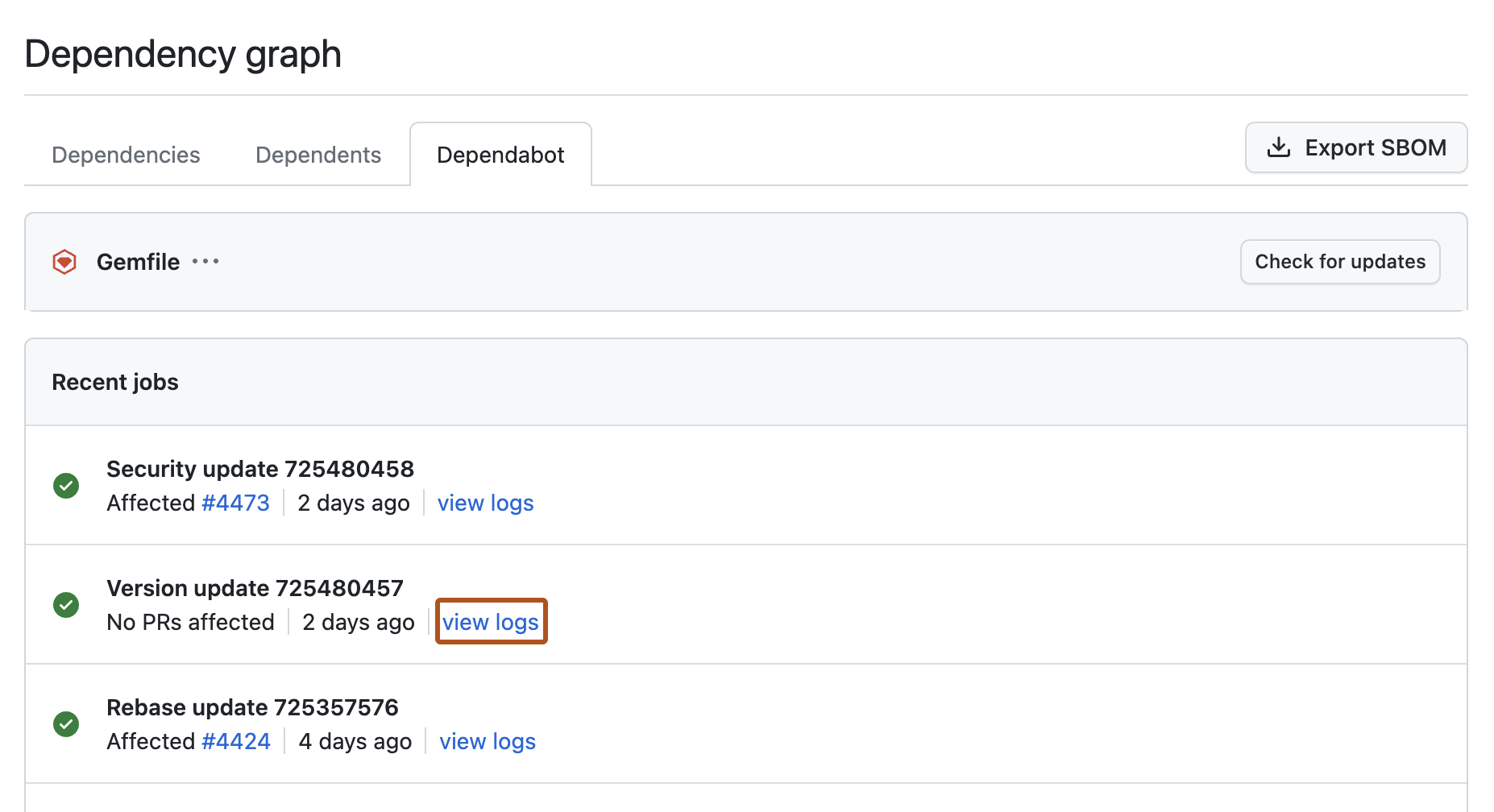
Wenn Dependabot updates ausfällt oder sich unerwartet verhält, zeigen Ihnen die Job-Protokolle genau, was passiert ist. Greifen Sie schnell auf Auftragsprotokolle aus dem Abhängigkeitsdiagramm zu, um Probleme schnell zu debuggen. Hintergrundinformationen zu den Auftragsprotokollen und den Arten von Auftragsdatensätzen GitHub finden Sie unter Dependabot-Auftragsprotokolle.
Anzeigen von Dependabot Jobprotokollen
Die Liste der Dependabot-Jobprotokolle ist über die Registerkarte „Abhängigkeitsdiagramm“ in Ihrem Repository zugänglich.
-
Navigieren Sie auf GitHub zur Hauptseite des Repositorys.
-
Klicke unter dem Repositorynamen auf Insights.

-
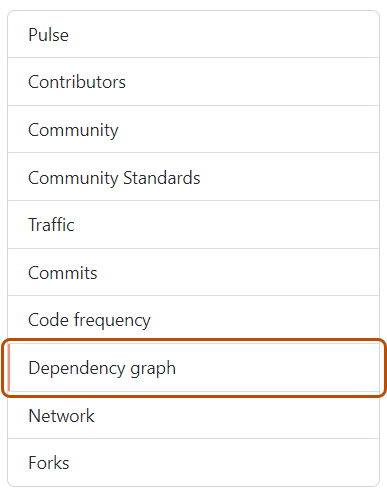
Klicke auf der linken Randleiste auf Abhängigkeitsdiagramm.
-
Klicke unter „Abhängigkeitsdiagramm“ auf Dependabot .
-
Klicken Sie rechts neben dem Namen der Manifestdatei, an der Sie interessiert sind, auf Letzte Aktualisierungsaufträge.
-
Wenn Sie die vollständigen Protokolldateien für einen bestimmten Auftrag anzeigen möchten, klicken Sie auf Protokolle anzeigen.