GitHub Desktop에서 분기 기록 보기

커밋이 도입한 변경 내용의 diff를 비롯해 GitHub Desktop의 커밋에 대한 세부 정보를 볼 수 있습니다.

Platform navigation

Each commit shows:

  • The commit message
  • The time the commit was created
  • The committer's username and profile picture (if available)
  • The commit's SHA-1 hash (the unique ID)
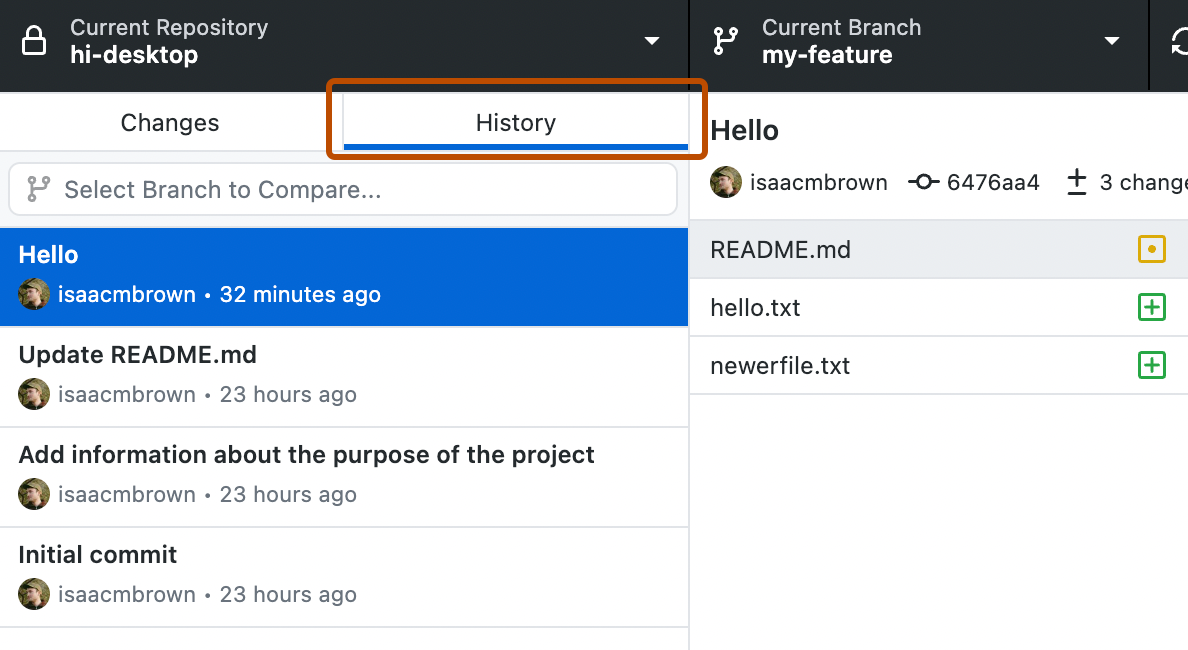
  1. In the left sidebar, click History.

    Screenshot of the "History" tab in the sidebar. Above a list of commits, the tab button, labeled "History", is highlighted with an orange outline.

  2. On the History tab, click the commit you'd like to review.

    You can also select a range of multiple consecutive commits using Command or Shift.

    You can also select a range of multiple consecutive commits using Ctrl or Shift.

    Screenshot of a list of commits in the "History" tab. Three consecutive selected commits are highlighted in blue and outlined in orange.

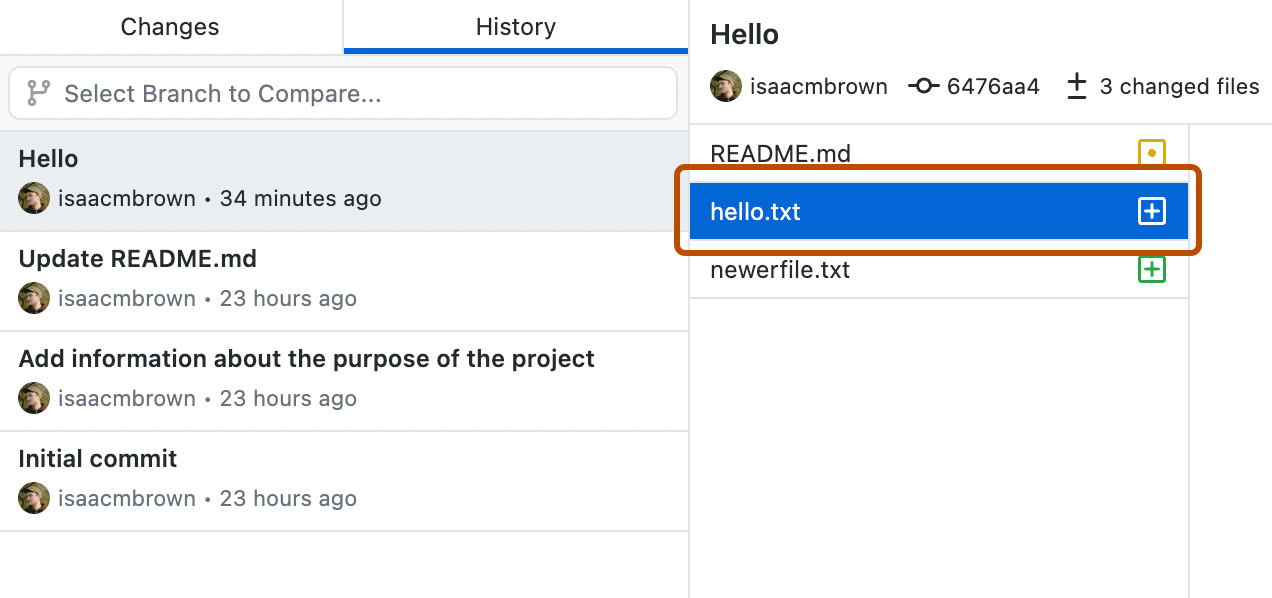
  3. If there are multiple files in the commit or range of commits, click on an individual file to see the changes made to that file.

    Screenshot of a commit view. To the right of the "History" tab, the "hello.txt" file is selected from a list and highlighted with an orange outline.

Further reading