-
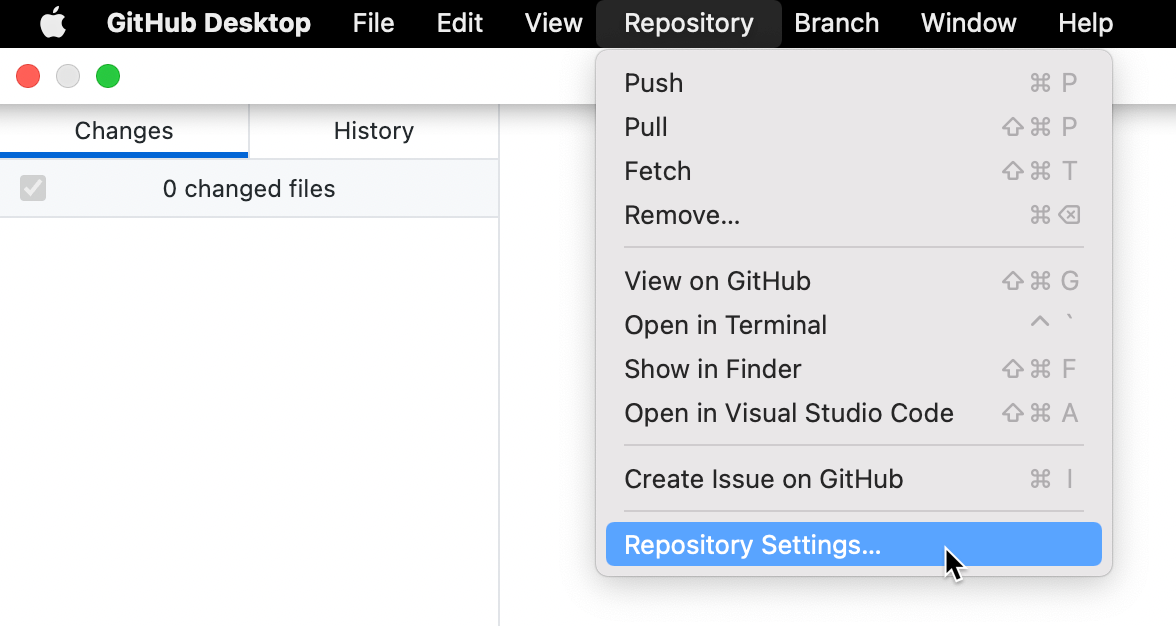
"GitHub Desktop" 메뉴 모음에서 리포지토리를 선택하고 리포지토리 설정... 을 클릭합니다.
-
원격 창에서, "기본 원격 리포지토리" 아래에 원하는 URL을 입력합니다.
-
저장을 클릭합니다.
-
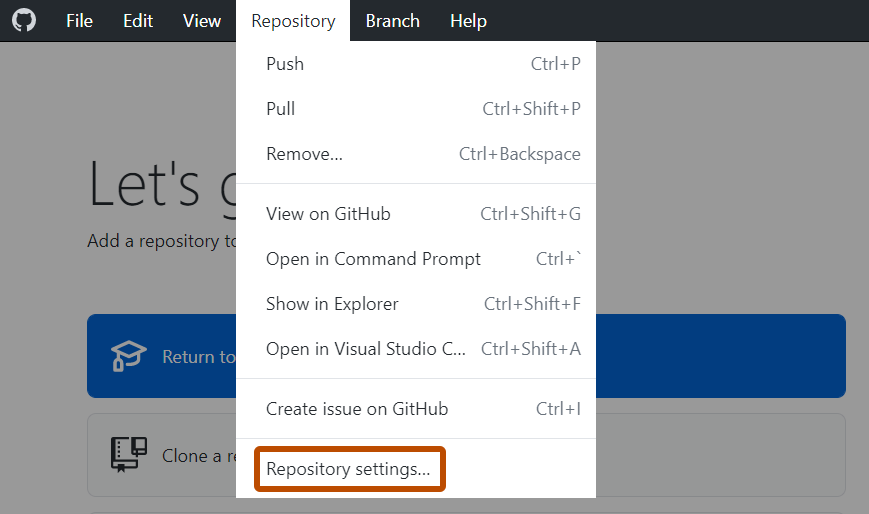
리포지토리 메뉴에서 리포지토리 설정... 을 클릭합니다.
-
원격 창에서, "기본 원격 리포지토리" 아래에 원하는 URL을 입력합니다.
-
저장을 클릭합니다.
GitHub Desktop에서 작업 중인 리포지토리의 원격 URL을 변경할 수 있습니다. 리포지토리의 이름이 변경되었거나 리포지토리를 소유하는 사용자 이름 또는 조직이 변경된 경우 이 작업을 수행할 수 있습니다.
"GitHub Desktop" 메뉴 모음에서 리포지토리를 선택하고 리포지토리 설정... 을 클릭합니다.

원격 창에서, "기본 원격 리포지토리" 아래에 원하는 URL을 입력합니다.
저장을 클릭합니다.
리포지토리 메뉴에서 리포지토리 설정... 을 클릭합니다.

원격 창에서, "기본 원격 리포지토리" 아래에 원하는 URL을 입력합니다.
저장을 클릭합니다.