Remarque
This article applies to repository-level security advisories in a public repository. To edit a global advisory in the GitHub Advisory Database, see Editing security advisories in the GitHub Advisory Database.
Prerequisites
Before you can publish a security advisory or request a CVE identification number, you must create a draft security advisory and provide information about the versions of your project affected by the security vulnerability. See Creating a repository security advisory and Editing a repository security advisory.
Publishing a security advisory
Avertissement
Whenever possible, you should add a fix version to a security advisory prior to publishing the advisory. If you don't, the advisory will be published without a fixed version, and Dependabot will alert your users about the issue without offering any safe version to update to.
-
On GitHub, navigate to the main page of the repository.
-
Under the repository name, click the Security and quality tab. If you cannot see the " Security and quality" tab, select the dropdown menu, and then click Security and quality.
-
In the left sidebar, under "Reporting", click Advisories.
-
In the "Security Advisories" list, click the name of the security advisory you'd like to publish.
-
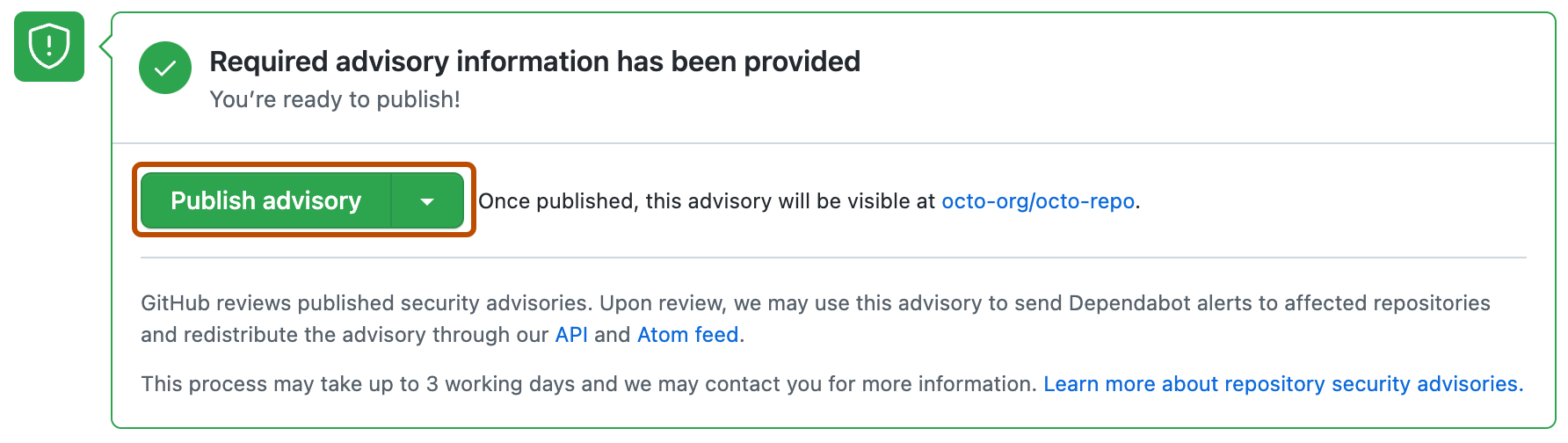
Scroll to the bottom of the advisory form and click Publish advisory.
- If you selected "Request CVE ID later", you will see a Request CVE button in place of the Publish advisory button.

Remarque
Publishing a security advisory deletes the temporary private fork for the security advisory.
Requesting a CVE identification number (Optional)
If you don't already have a CVE identification number for a security vulnerability in your project, you can request one from GitHub.
-
On GitHub, navigate to the main page of the repository.
-
Under the repository name, click the Security and quality tab. If you cannot see the " Security and quality" tab, select the dropdown menu, and then click Security and quality.
-
In the left sidebar, under "Reporting", click Advisories.
-
In the "Security Advisories" list, click the name of the security advisory you'd like to request a CVE identification number for.
-
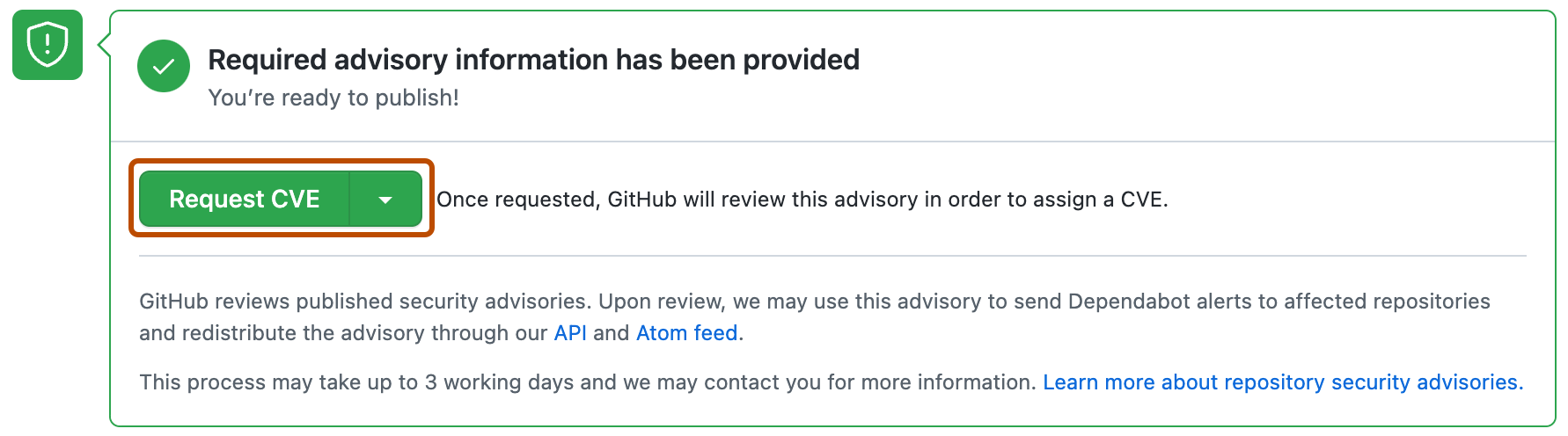
Scroll to the bottom of the advisory form and click Request CVE.