This version of GitHub Enterprise Server will be discontinued on 2026-08-25. Discontinued releases are not supported. No patch releases will be made, even for critical security issues. For better performance, improved security, and new features in GitHub Enterprise Server, see Overview of the upgrade process. For help with the upgrade, GitHub Enterprise Support.

Viewing a pull request review

View and navigate all comments from a single pull request review to understand changes and feedback.

You can find a pull request where you or a team you're a member of is requested for review with the search qualifier review-requested:[USERNAME] or team-review-requested:[TEAMNAME]. For more information, see Searching issues and pull requests.

When you view a full review, you see the same version of the pull request as the reviewer did at the time of the review.

  1. Under your repository name, click Pull requests.

  2. In the list of pull requests, click the pull request you'd like to review.

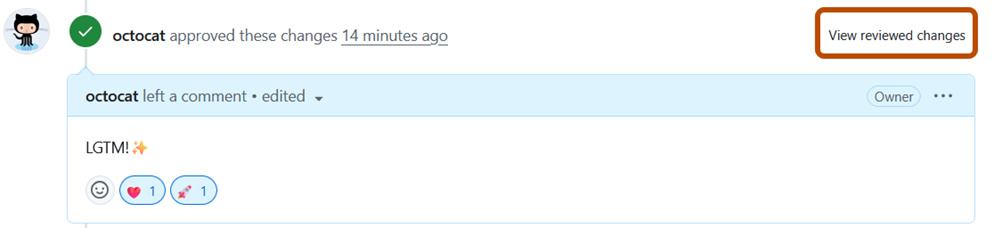
  3. On the "Conversation" tab, scroll to the review you want to see, then click View changes.

    Screenshot of a review. The "View changes" link is outlined in dark orange.

Further reading