If a pull request has changed since it was reviewed and the person who requested changes isn't available to give an approving review, repository administrators or people with write access can dismiss a review. Dismissing a review changes the status of the review to a review comment. When you dismiss a review, you must add a comment explaining why you dismissed it. Your comment will be added to the pull request conversation.
You can find a pull request where you or a team you're a member of is requested for review with the search qualifier review-requested:[USERNAME] or team-review-requested:[TEAMNAME]. For more information, see Searching issues and pull requests.
-
Under your repository name, click Pull requests.
-
In the list of pull requests, click the pull request you'd like to review.
-
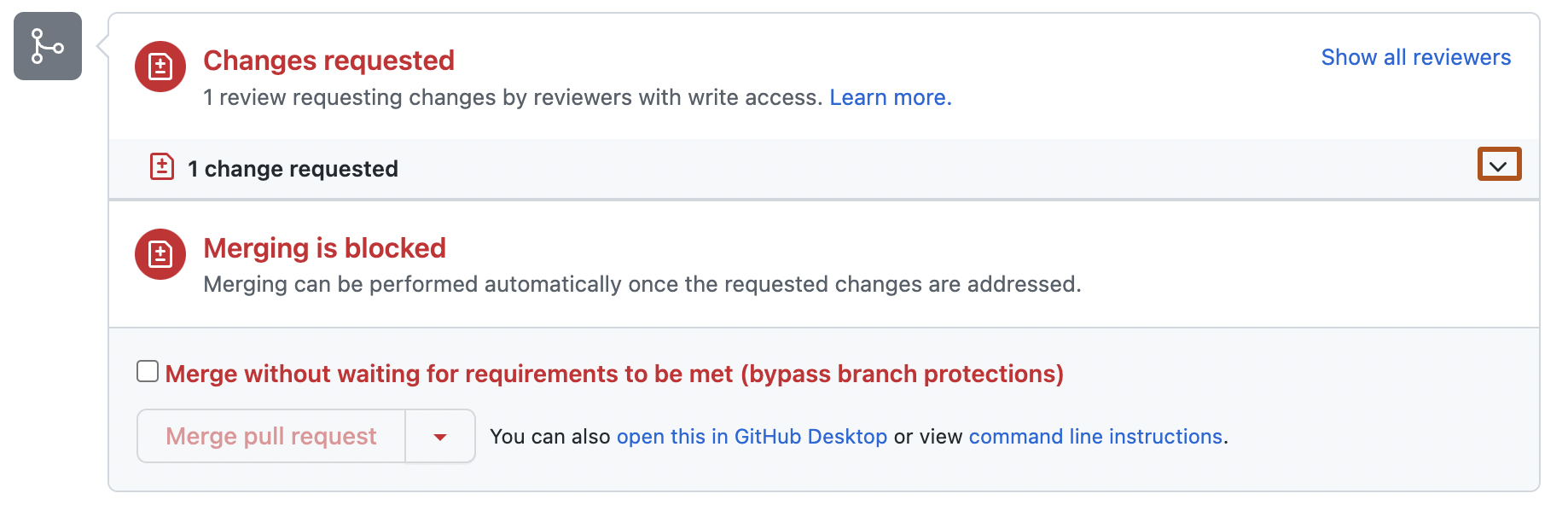
On the "Conversation" tab, next to the summary of reviews, click .
-
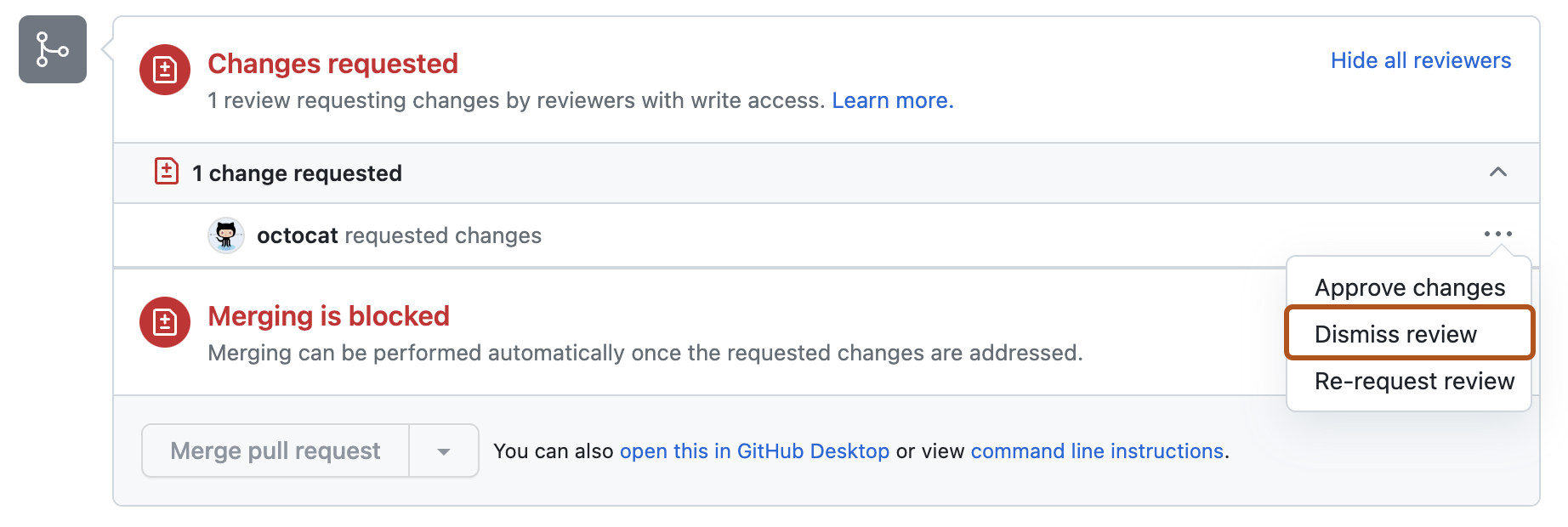
Next to the review you'd like to dismiss, select the dropdown menu, then click Dismiss review.
-
Type your reason for dismissing the review, then click Dismiss review.

