- 在 GitHub 任意页面的右上角,单击你的个人资料照片,然后单击“ Settings”。1. 在边栏的“Code, planning, and automation”部分中,单击 “Saved replies”。
- 在“添加已保存的回复”下,添加已保存回复的标题。
- 在“Write”字段中,添加要保存为回复的内容。 有关使用 Markdown 的信息,请参阅“基本写作和格式语法”。
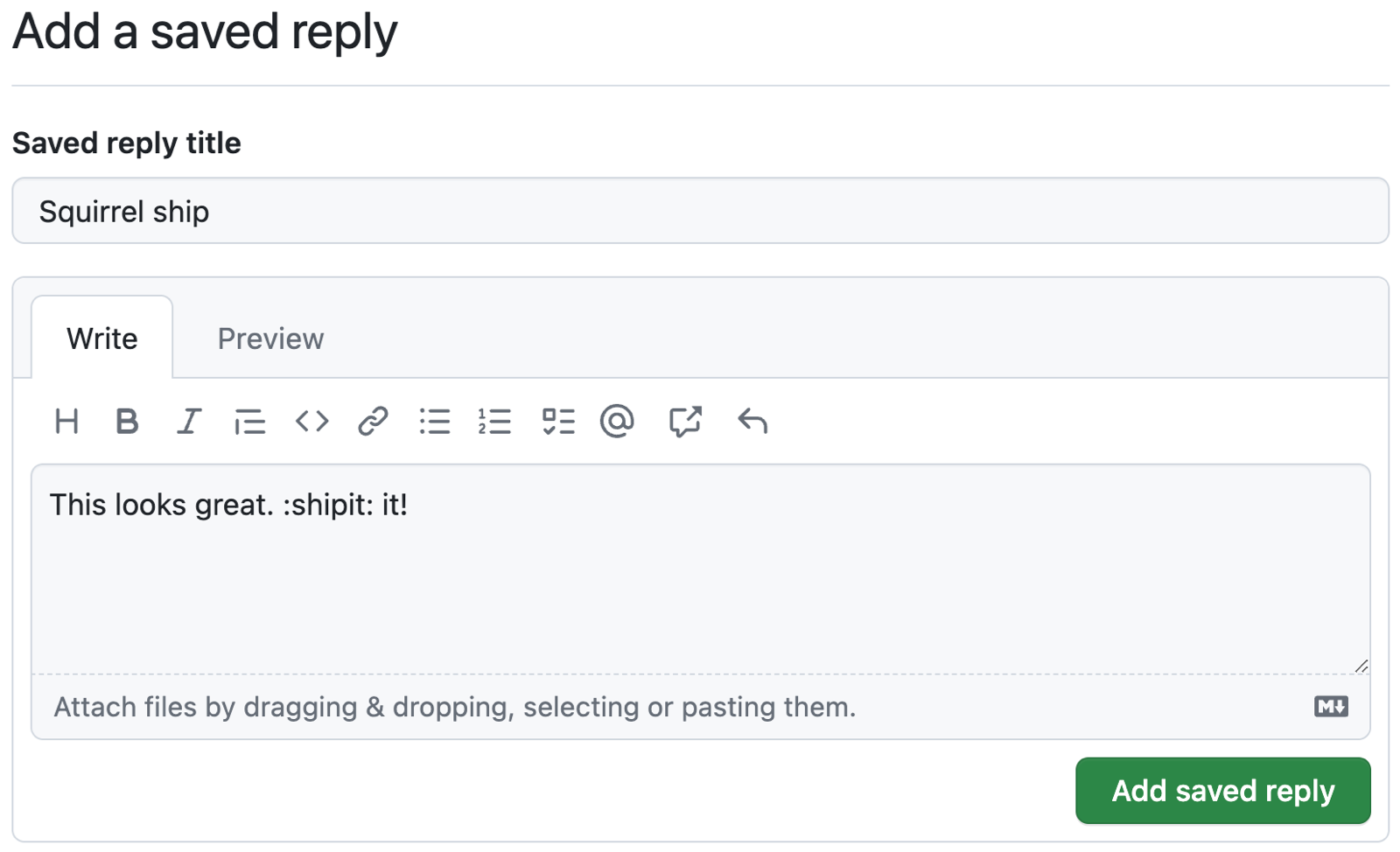
- 若要查看回复,请单击“预览”。
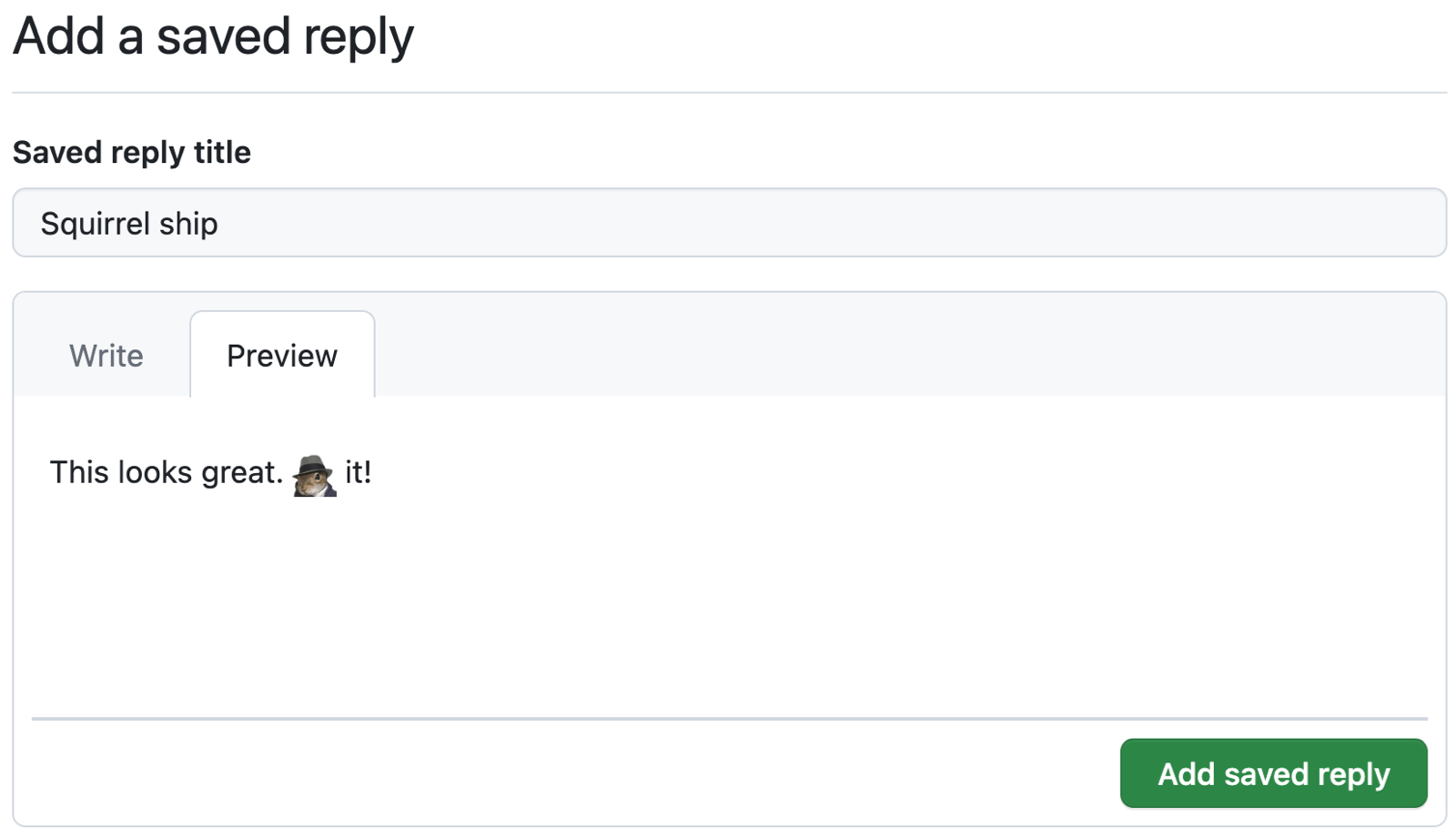
- 单击“添加已保存的回复”。


其他阅读材料
-
[AUTOTITLE](/get-started/writing-on-github/working-with-saved-replies/using-saved-replies) -
[AUTOTITLE](/get-started/writing-on-github/working-with-saved-replies/editing-a-saved-reply) -
[AUTOTITLE](/get-started/writing-on-github/working-with-saved-replies/deleting-a-saved-reply)