-
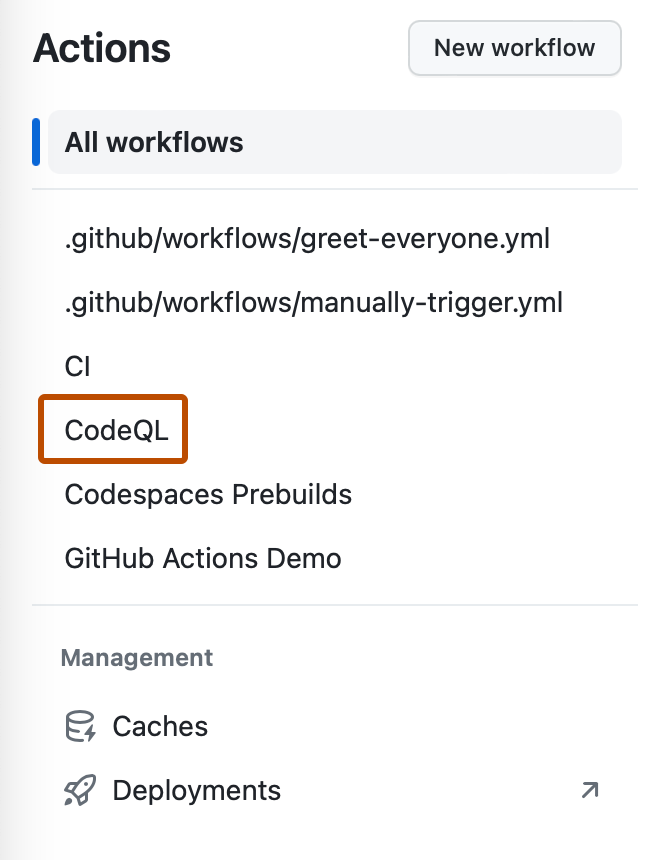
在 GitHub 上,导航到存储库的主页面。1. 在仓库名称下,单击“ Actions”****。

-
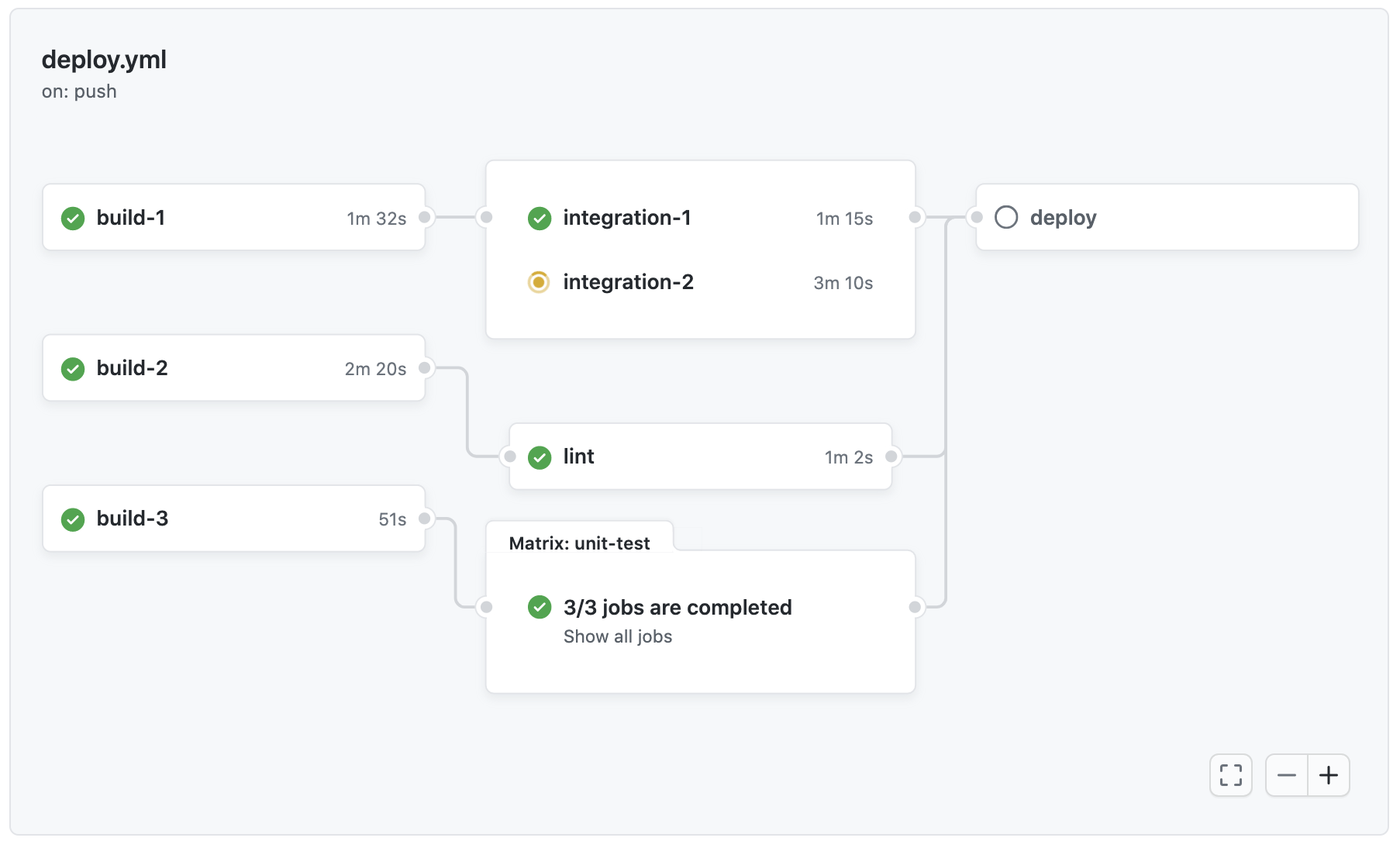
图表显示每个工作流程中的作业。 作业名称左侧的图标指示作业的状态。 作业之间的线表示依赖关系。
-
要查看作业的日志,请单击该作业。
使用可视化图表
每个工作流程运行都会生成一个实时图表,说明运行进度。 您可以使用此图表来监控和调试工作流程。
每个工作流程运行都会生成一个实时图表,说明运行进度。 您可以使用此图表来监控和调试工作流程。
在 GitHub 上,导航到存储库的主页面。1. 在仓库名称下,单击“ Actions”****。


图表显示每个工作流程中的作业。 作业名称左侧的图标指示作业的状态。 作业之间的线表示依赖关系。

要查看作业的日志,请单击该作业。