在个人资料中显示活动概览

您可以在个人资料中启用活动概览部分,以便为查看者提供有关您所做贡献类型的更多上下文。

Managing the visibility of the activity overview on your profile

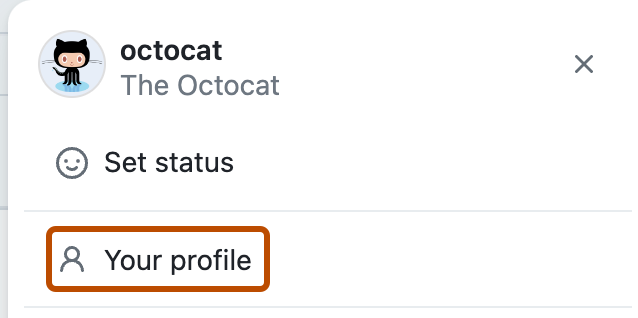
  1. In the top right corner of GitHub, click your profile picture, then click Your profile.

    Screenshot of the dropdown menu under @octocat's profile picture. "Your profile" is outlined in dark orange.

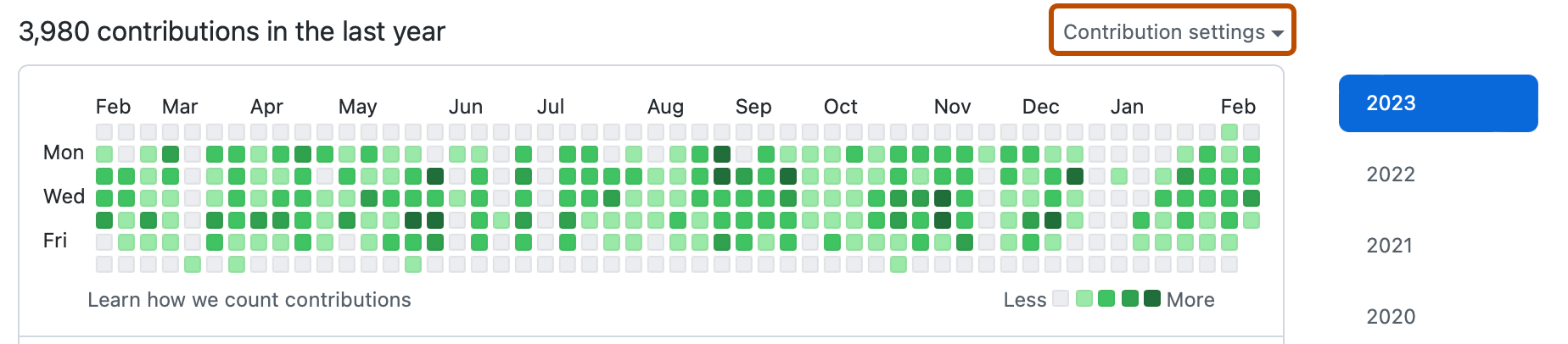
  2. Above your contributions graph, select the Contribution settings dropdown menu, then click Activity overview.

    Screenshot of the contributions graph on a user profile. A dropdown menu, labeled "Contribution settings", is highlighted with an orange outline.

Next steps

For more information about what is visible on your profile, see Profile contributions reference.