-
在 GitHub 任意页面的右上角,单击你的个人资料照片,然后单击“ Settings”****。
-
在边栏的“Integrations”部分中,单击 “Applications”****。
-
单击“授权的 OAuth 应用”选项卡。

-
审查有您帐户访问权限的令牌。 对于你不认识或已过时的令牌,请单击“”,然后单击“撤销” 。 若要撤销所有令牌,请单击“全部撤销”。
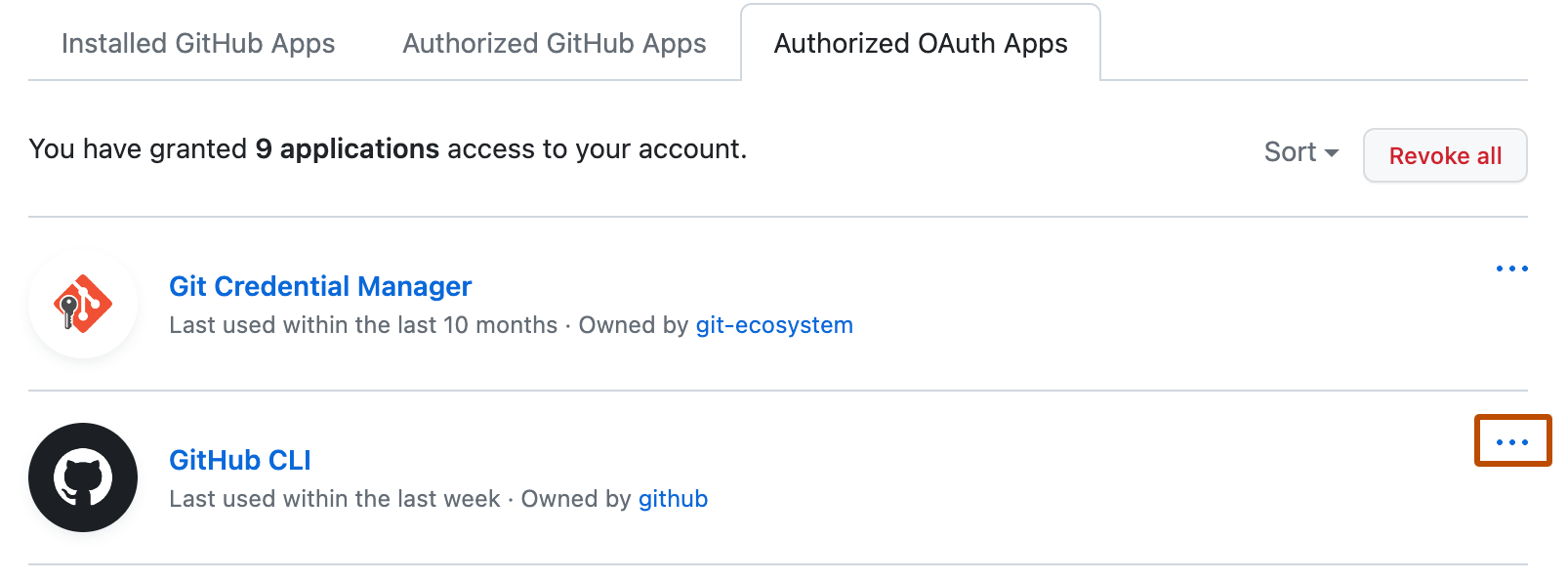
审查授权的 OAuth 应用
您应检查授权的应用程序,以验证没有授权具有扩展权限的新应用程序,例如那些可以访问您的私有仓库的应用程序。

