Puede exigir el uso de Acción de revisión de dependencias en su organización configurando un conjunto de reglas del repositorio que requiera que se supere un flujo de trabajo que ejecute la revisión de dependencias antes de que se puedan fusionar las solicitudes de incorporación de cambios. Para obtener más información sobre la acción, vea Revisión de dependencias.
Prerequisites
Debe añadir Acción de revisión de dependencias a uno de los repositorios de su organización y configurar la acción. Para obtener más información, consulte Configuración de la acción de revisión de dependencias.
Aplicación de la revisión de dependencias para su organización
-
En la esquina superior derecha de GitHub, haz clic en la foto del perfil y luego en Your organizations.
-
Seleccione una organización haciendo clic en ella.
-
Debajo del nombre de la organización, haz clic en Settings. Si no puedes ver la pestaña "Configuración", selecciona el menú desplegable y, a continuación, haz clic en Configuración.

-
En la barra lateral de la izquierda, en la sección "Code, planning, and automation", haz clic en Repository y luego en Rulesets.
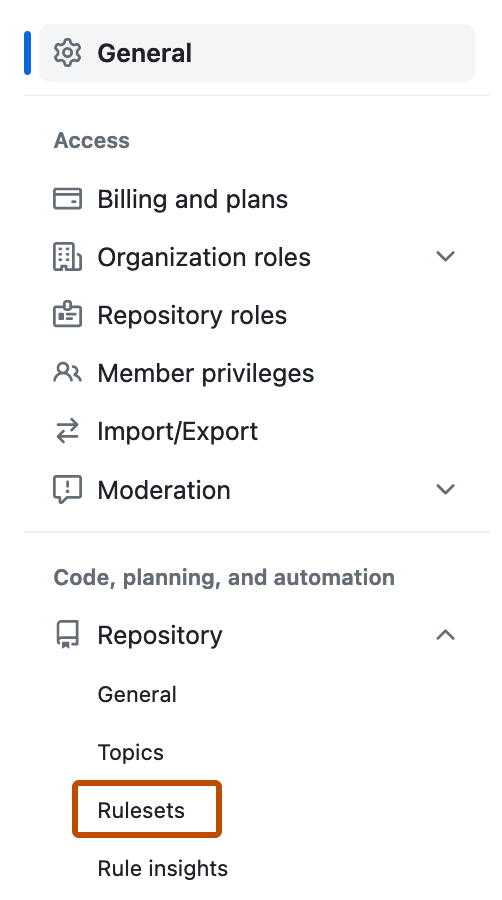
-
Haz clic en el menú desplegable Nuevo conjunto de reglas y selecciona Nuevo conjunto de reglas de rama.
-
Para ayudar a identificar el conjunto de reglas y aclarar su propósito, asigna al conjunto de reglas un nombre en Nombre del conjunto de reglas.
-
Establezca Estado de cumplimiento en Activo.
-
Opcionalmente, puede dirigirse a repositorios específicos de su organización. Para obtener más información, consulte Cómo elegir los repositorios a los que dirigirse en su organización.
-
En la sección "Reglas", seleccione la opción "Requerir que se pasen los flujos de trabajo antes de combinar".
-
En "Configuraciones de flujo de trabajo", haga clic en Agregar flujo de trabajo.
-
En el cuadro de diálogo, seleccione el repositorio al que agregó Acción de revisión de dependencias . Para obtener más información, consulte Requisitos previos.
-
Seleccione una rama y el archivo de flujo de trabajo para la revisión de dependencias en el cuadro de diálogo mejorado.
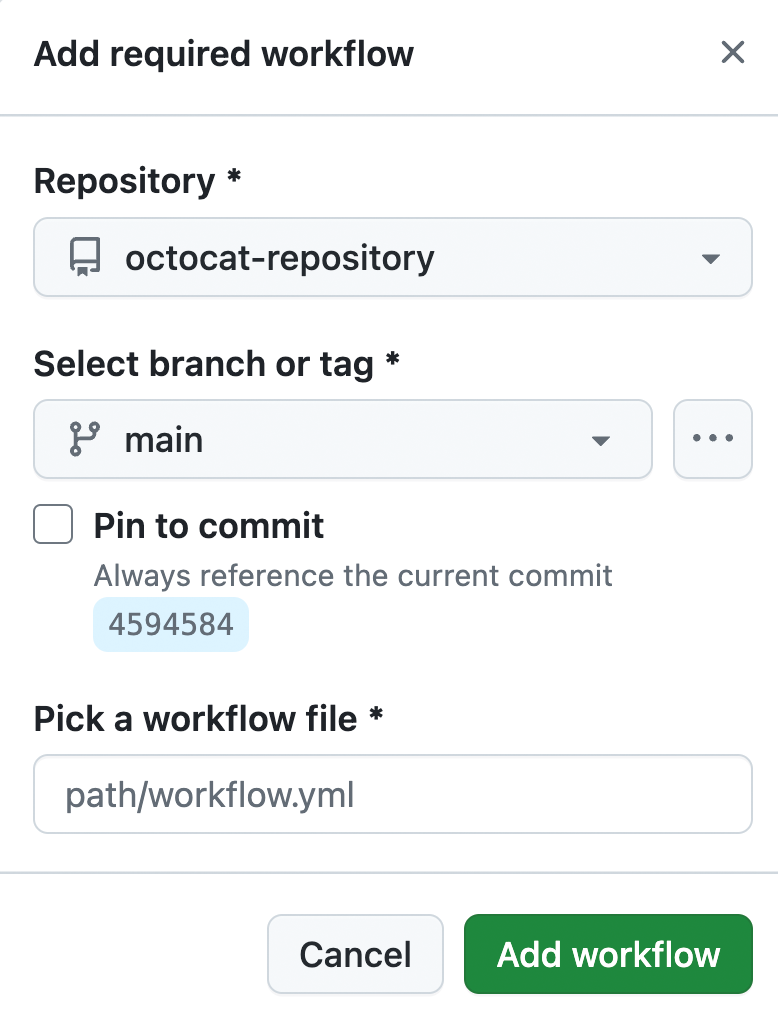
-
Haga clic en Crear.


