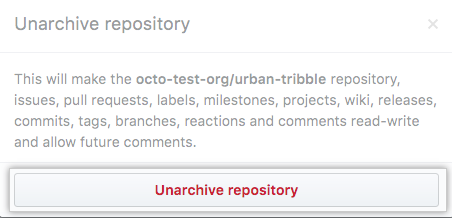
As a site admin you can archive or unarchive a repository in the Site admin dashboard.
Archiving a repository
In the upper-right corner of any page, click .

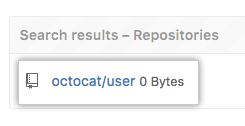
In the search field, type the name of the repository and click Search.

In the search results, click the name of the repository.
In the upper-right corner of the page, click Admin.

In the left sidebar, click Admin.

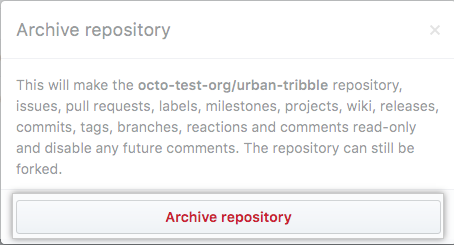
Under Danger Zone, click Archive.

- Click Archive repository
Unarchiving a repository
In the upper-right corner of any page, click .
In the search field, type the name of the repository and click Search.
In the search results, click the name of the repository.
In the upper-right corner of the page, click Admin.
In the left sidebar, click Admin.
Under Danger Zone, click Unarchive.

- Click Unarchive repository